What's new
1.2.0 and gateway 0.3.1, October 2026
Game pad coming in 1.3
Your phone becomes the controller for games on the PC, such as Bounty Heist Football in Chameleon Media Center. Any number of phones can play at once, over Wi-Fi, Tailscale or a USB cable: scan the code on the PC screen, or pick the game from the list of games nearby. A joystick wherever your thumb lands, Kick off and Pause, buttons the game chooses, the live score, and vibration when you get the ball or score. No gateway needed.
Encrypted on your home network too
Over Tailscale the connection was already encrypted. On a home network the app now uses HTTPS and checks the gateway's own certificate fingerprint, which arrives with the pairing QR.
Security review fixes
Gateway 0.3.1 closes the gaps found in our ISO 27001 review: revocable devices, Tailscale-only by default, terminal access granted per device, a tamper-evident log, and a root helper so the gateway can run as a normal user.
Safety prompts
A risk notice on first launch, and commands that delete, overwrite, encrypt, format or shut down ask before they run.
Desktop apps
TrXi-Ctrl now runs on Windows, macOS and Linux as well as phones. Control your Linux machine from a laptop: the same screens, with a real mouse and keyboard.
Mouse & keyboard remote desktop
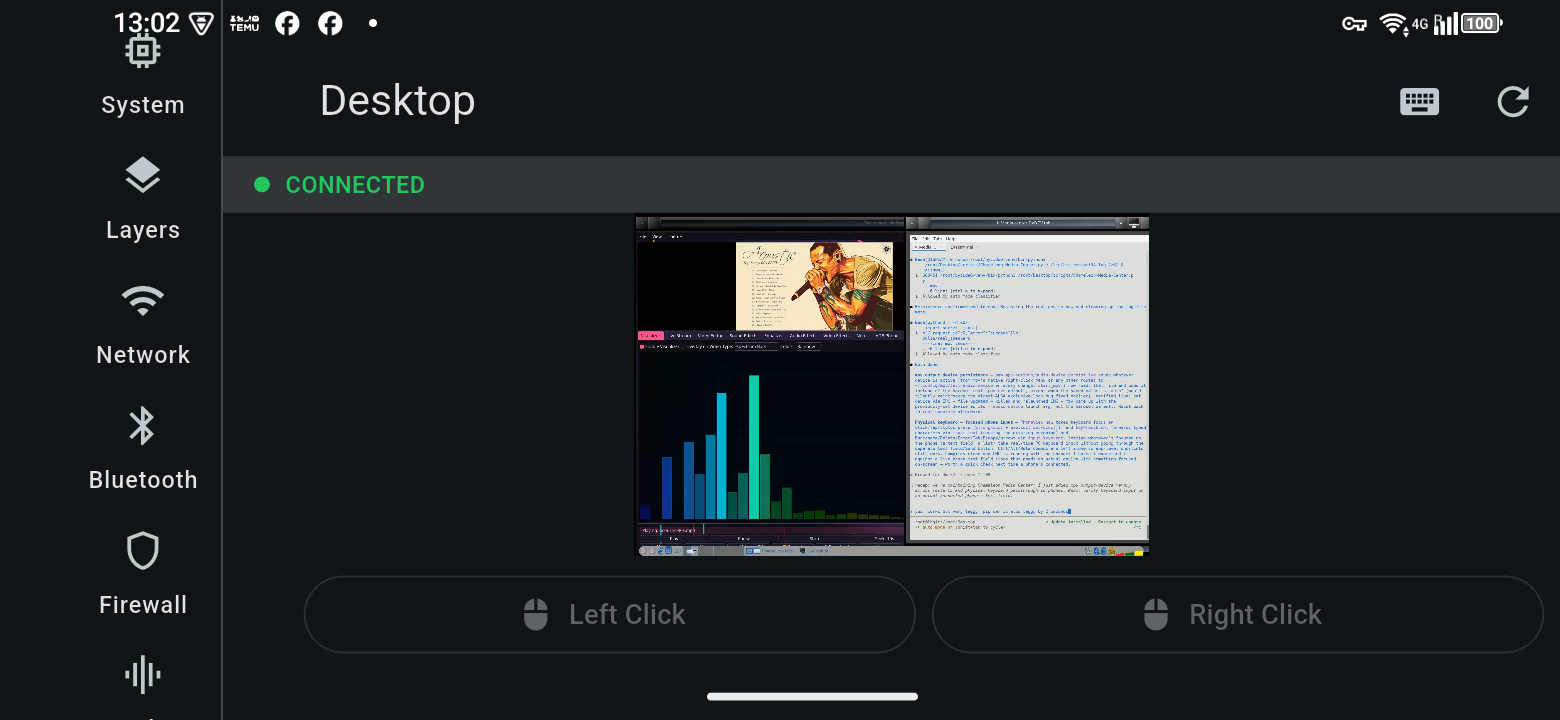
Move, click (left, middle, right), drag and scroll the remote screen with your mouse; type and use shortcuts like Ctrl+C on your own keyboard. Touch controls on phones are unchanged.
Sound with the picture
Remote desktop plays the PC's sound along with the screen, with a mute button on the Desktop tab.
Pair from a picture or a code
Not next to the PC? Someone there can email you the pairing QR — open the picture in the app's scanner (image icon). Computers without a camera type the pairing code instead.
Devices & whitelist
The gateway's admin page lists every device that has connected and whether it's online, and can let in only the devices you tick — by Tailscale name or, on your home network, MAC address.
Gateway Manager
A small desktop panel to start, stop and restart the gateway service, show, save or copy the pairing QR, and read the gateway's log.
What it does
One phone app, one gateway daemon on your desktop
System & layers
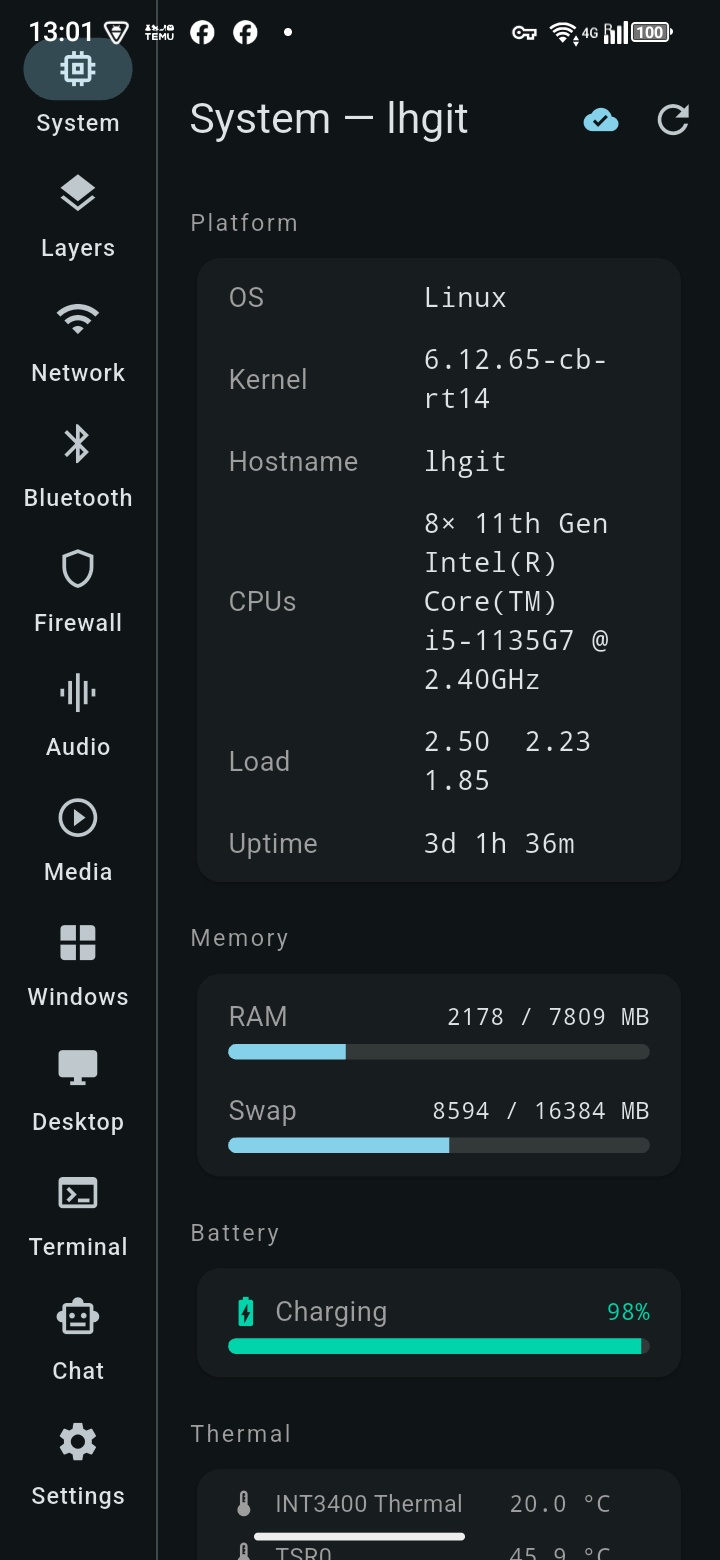
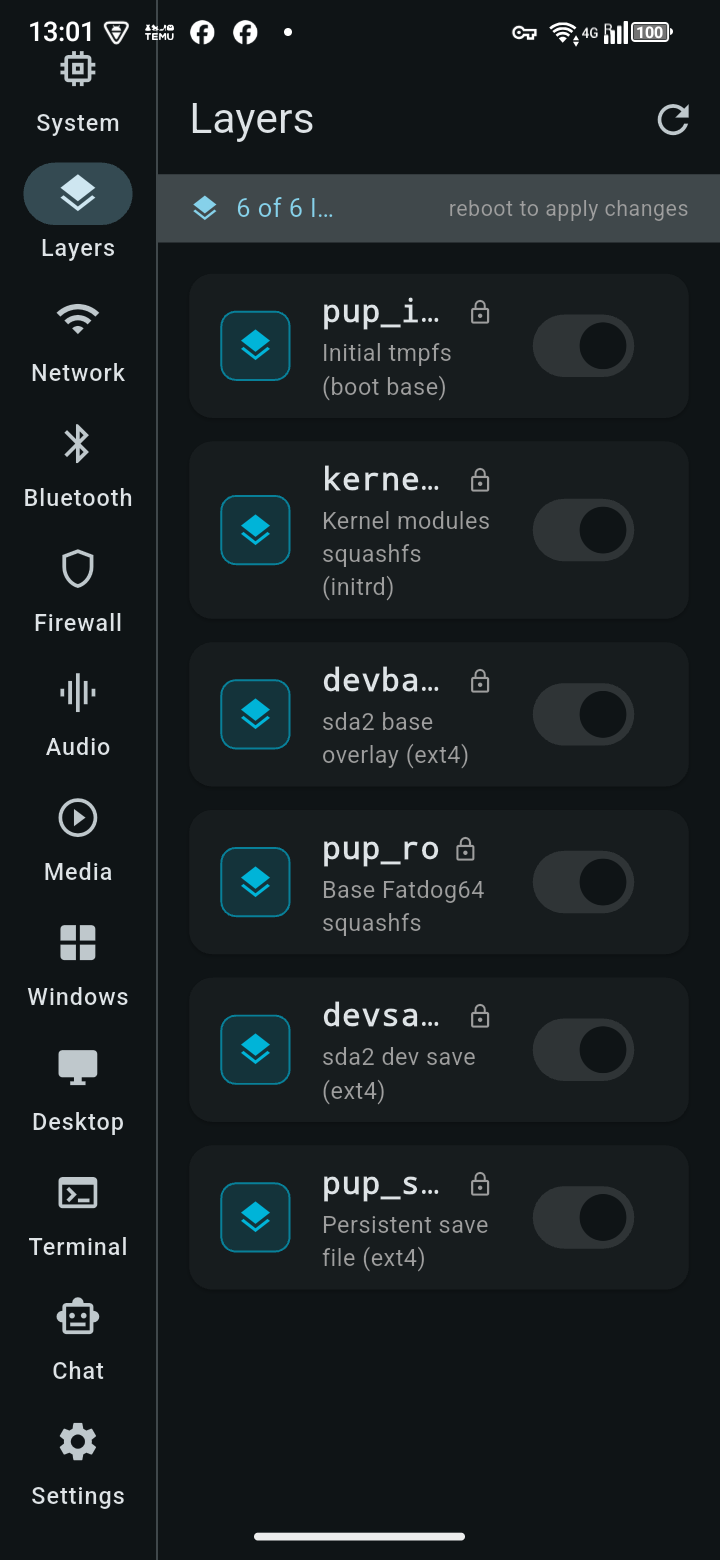
Live CPU/memory/thermal stats and AUFS layer toggling, straight from the desktop.
Network & Wi-Fi
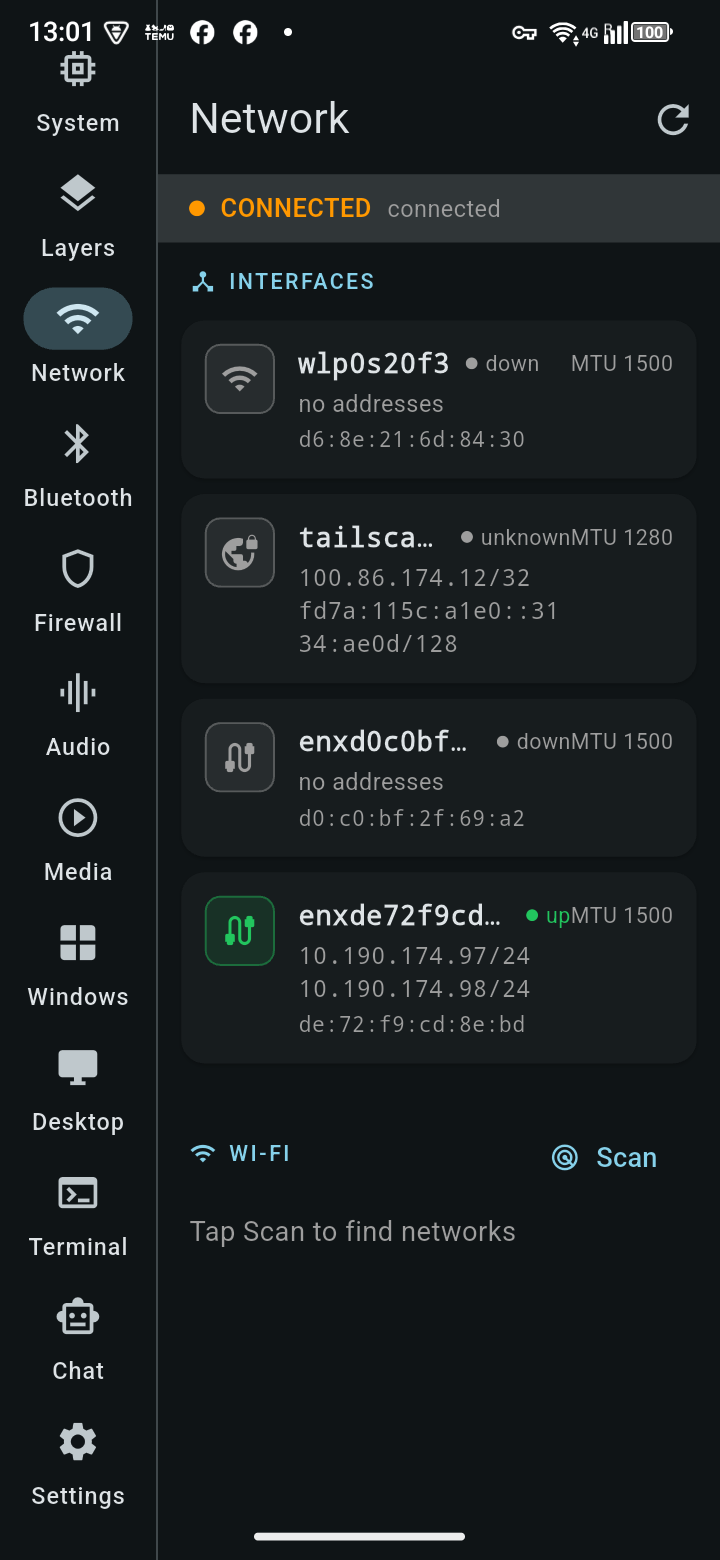
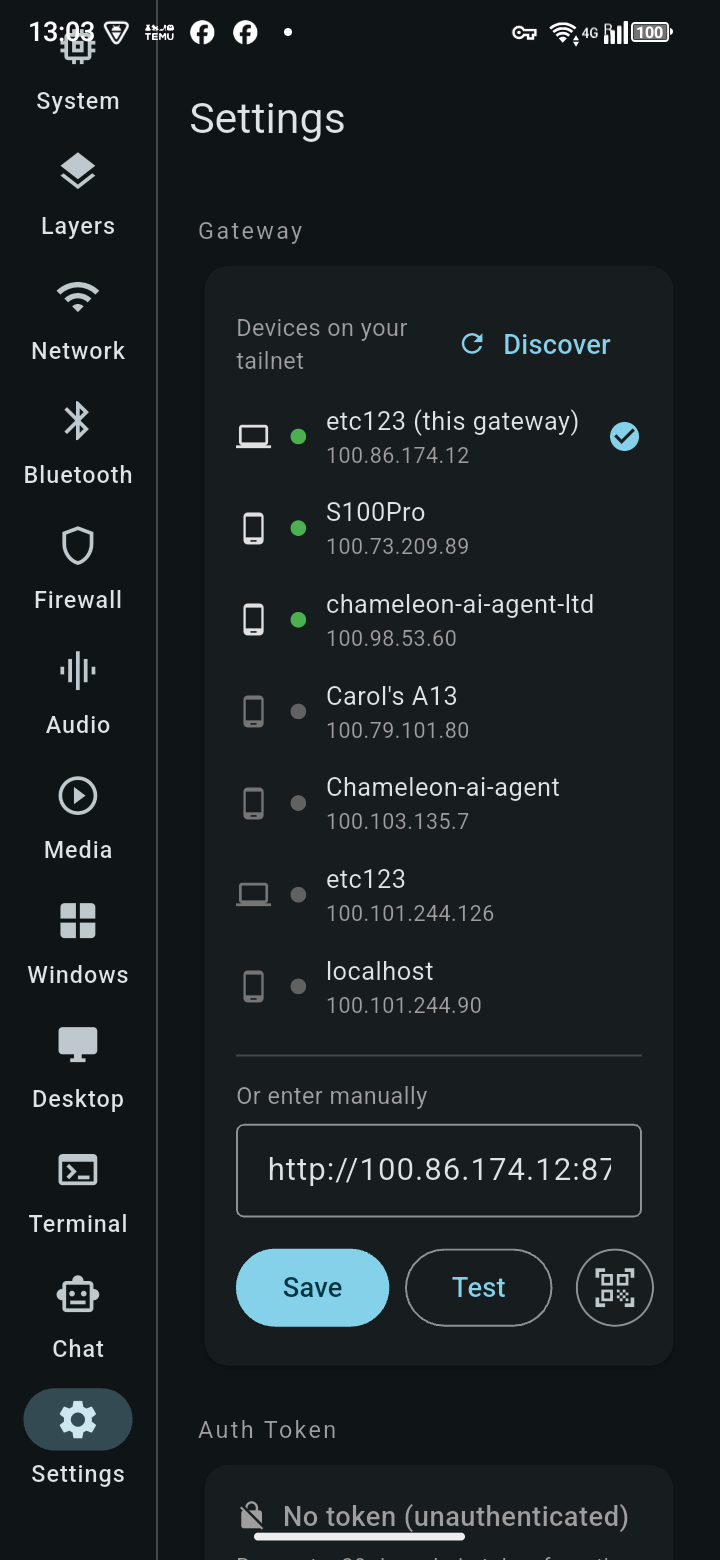
Interfaces, addresses, Wi-Fi scan and connect — including Tailscale peer discovery to find your gateway automatically.
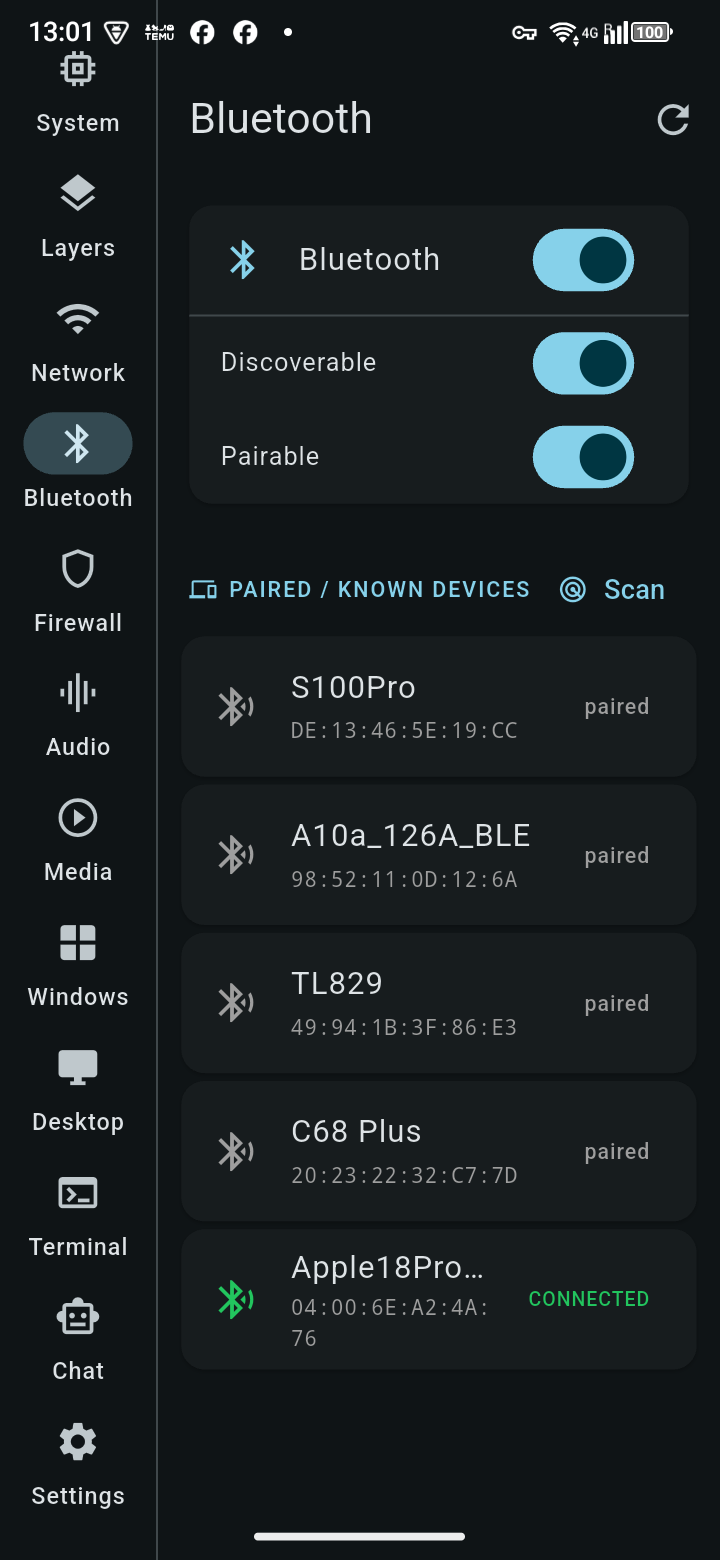
Bluetooth
Power, discoverable/pairable, scan, pair, connect, trust, remove — full adapter control.
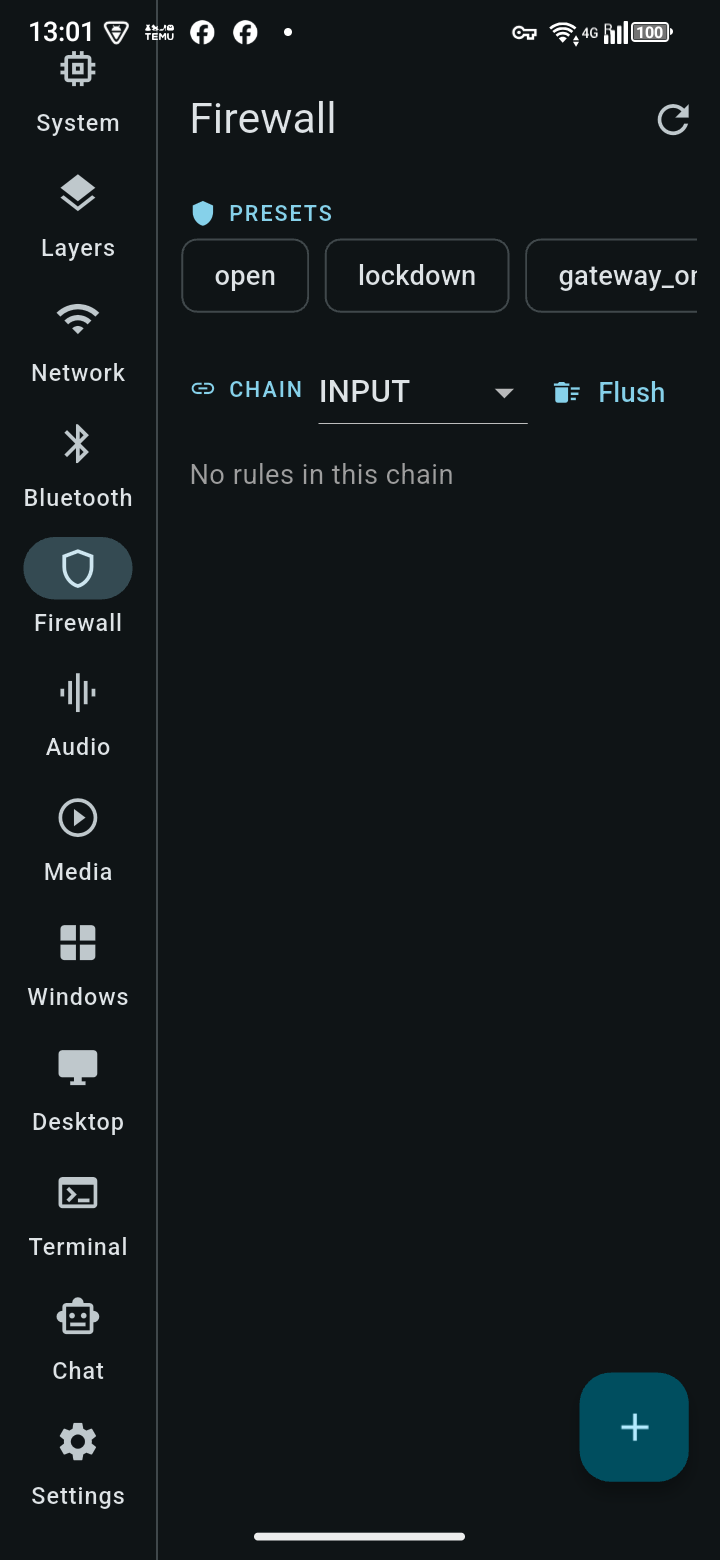
Firewall
View and edit iptables rules and chains, apply presets, from your phone.
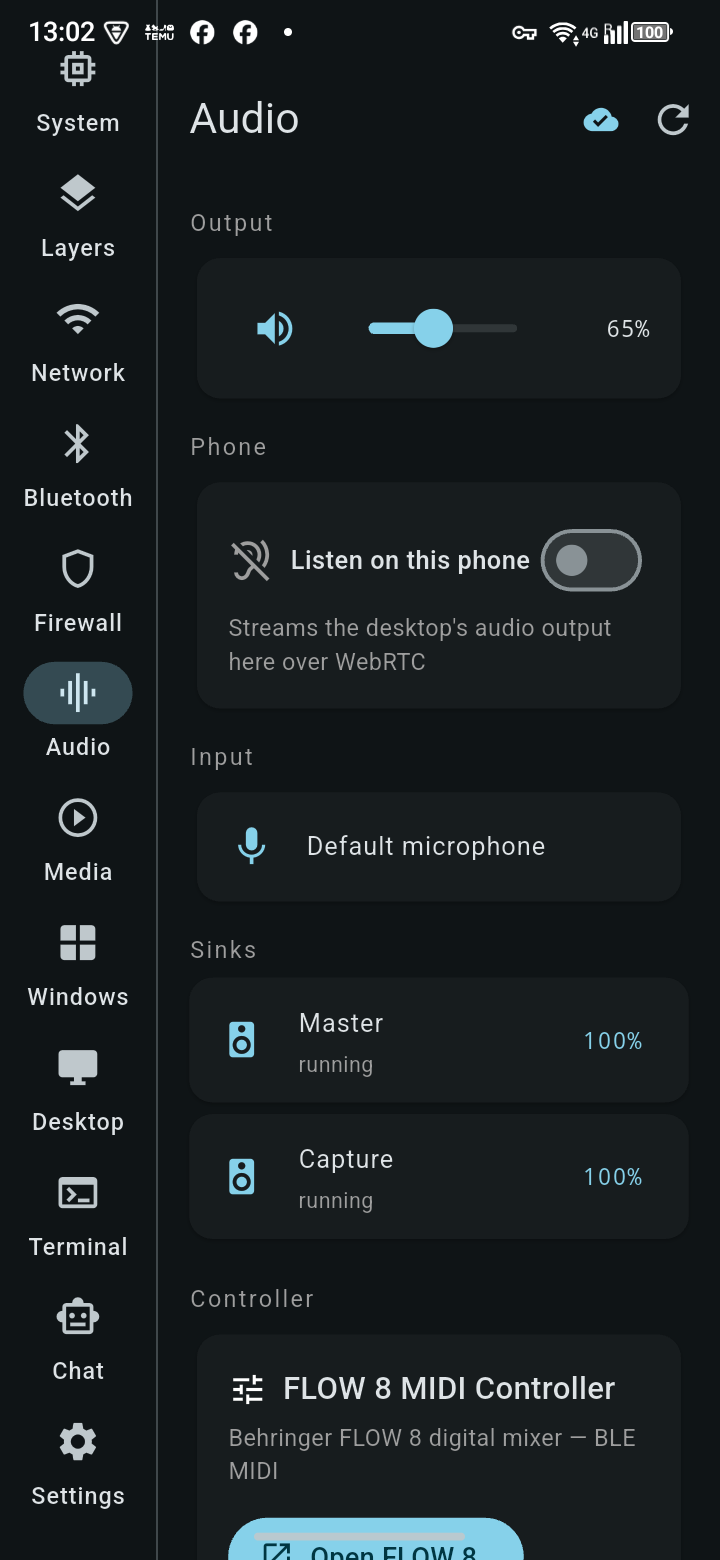
Audio
Volume, mute, sink list — and stream the desktop's audio output to your phone's speaker over WebRTC.
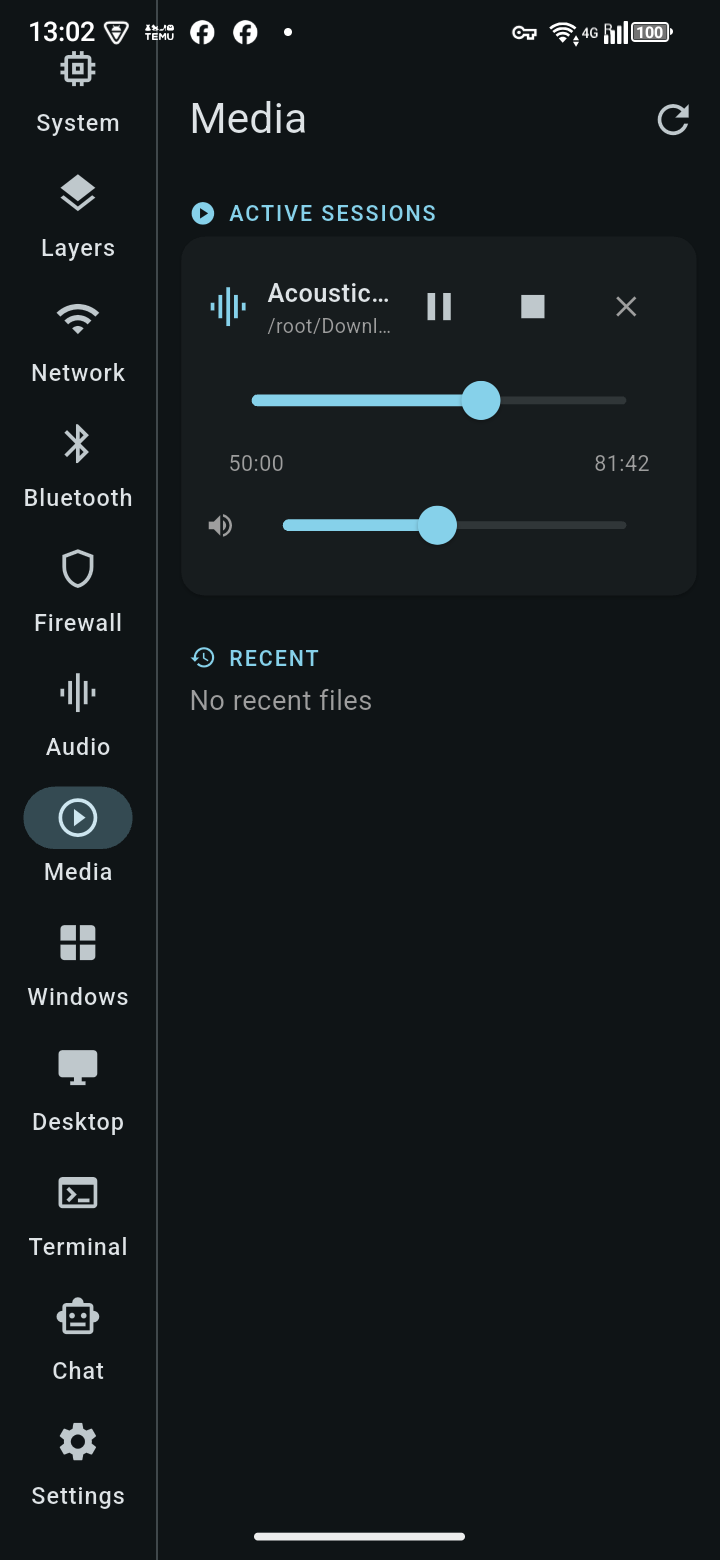
Media
Real play/pause/seek/volume for Chameleon Media Center and MPV-based players, via mpv's own IPC socket — not just a static file listing.
CMC Live
Watch Chameleon Media Center's live stream on your phone — choose Low latency (MPEG-TS) or Smooth (HLS) for weaker connections — see whether it's live, its source and how many are watching, and copy a link for anyone to watch in a browser.
Windows & desktops
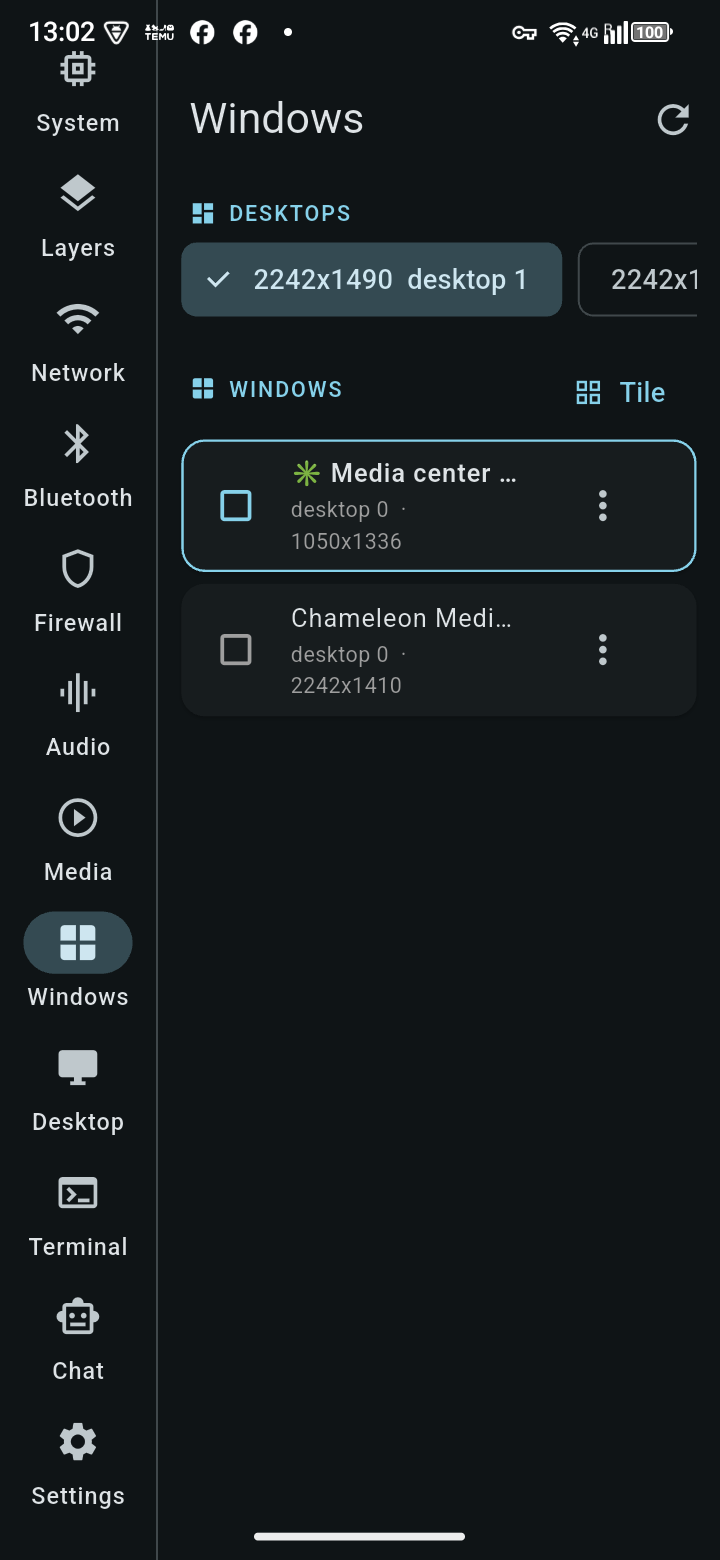
List, focus, close, minimize, maximize, tile windows and switch virtual desktops.
Remote desktop
Full screen share over WebRTC, with the PC's sound — see and control your desktop from anywhere on your network. On a phone, touch drives the mouse and an on-screen bar sends text; in the Windows, macOS and Linux apps your own mouse and keyboard work directly. Clicks and keystrokes show up on the desktop almost immediately; any lag you notice is in the screen updates coming back, not in your input.
Shared clipboard
The PC is the hub: every device pushes its clipboard there — straight into the PC's own clipboard, ready to paste — and the Clipboard screen shows a shared history of the last 50 items. Send an item to chosen devices or groups, mute devices you don't want to hear from, and tap an item to copy it to this device. Nothing is read from or written to your phone's clipboard in the background, only when you tap.
Terminal
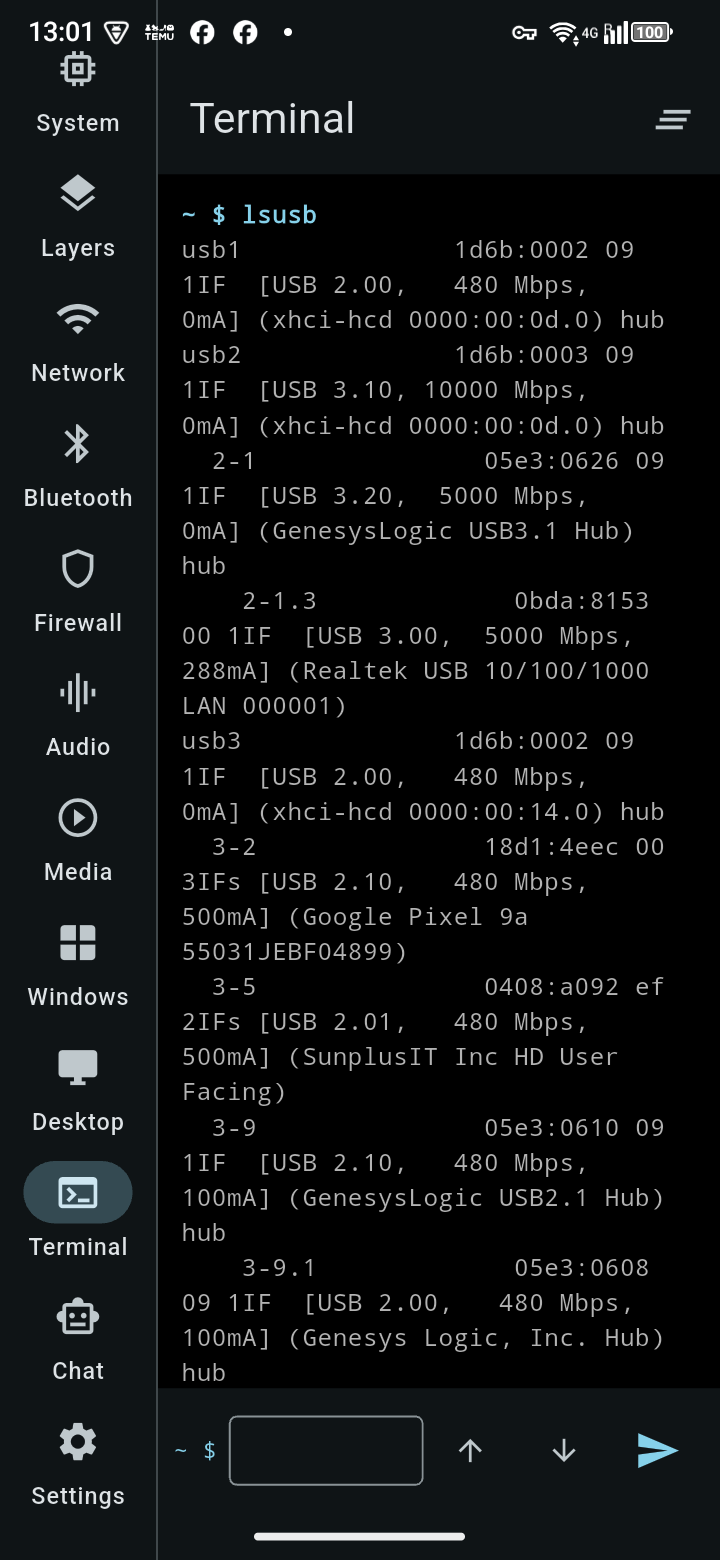
A real shell, run from your phone.
AI chat
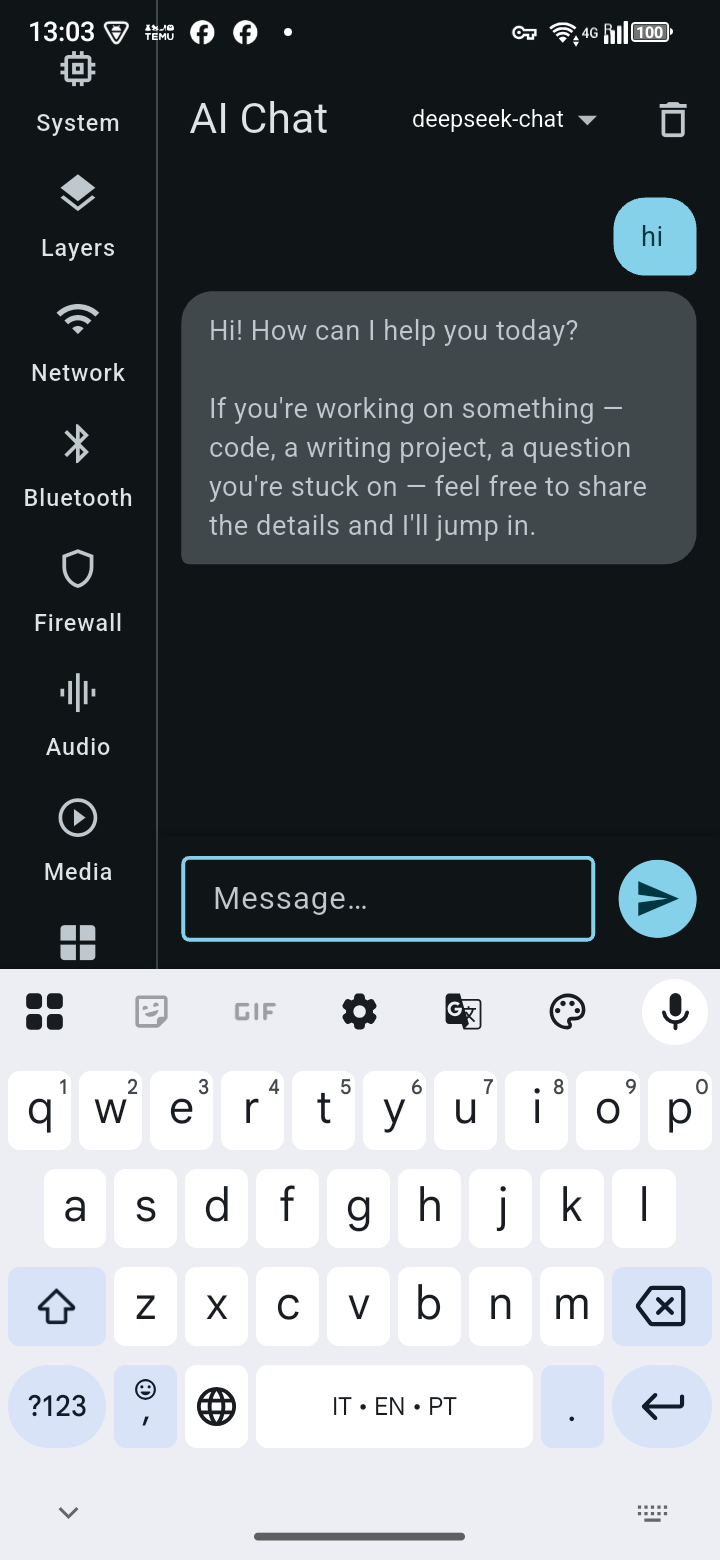
Talk to whichever AI provider you've configured on the gateway — DeepSeek, OpenAI, Anthropic and more.
Rooted phones
Two extra screens appear automatically when the phone has root (Magisk)
Hotspot VPN
Share the phone's Tailscale exit node with every device on its Wi-Fi hotspot — laptops, TVs and consoles get the VPN without installing anything. Routing re-applies itself if the hotspot or Tailscale restarts, and a boot script can bring it all back after a reboot. Built for a phone left plugged in as a router: a charge limit, keep Tailscale out of battery optimisation, and Always-on VPN.
USB mass storage
Plug the phone into any PC and it appears as a USB drive. Create a disk image of up to 256 GB in seconds — FAT32 (every OS reads it), ext4 (no 4 GB file limit), or a bootable GPT disk with an EFI partition so a laptop can boot from the phone — then share it read-write or read-only, or open it on the phone itself. You can also hand the phone's SD card or a USB drive to the PC. ADB stays connected while sharing.
The gateway
trixie-gateway — the desktop side, a single self-contained binary
One binary, no Python needed
Download a single self-contained executable — no Python, pip or venv on the machine. Since v0.3.0 it answers only over Tailscale (or HTTPS on your home network, if you turn that on) and from the PC itself, new devices start without terminal access, and lost devices can be revoked from the admin page. Built on aiohttp + aiortc, and the source is still on GitHub if you'd rather run it from Python. Runs standalone or as a systemd service, listening on your Tailscale/LAN address.
~110 REST endpoints
Every phone-app feature above, plus an OpenAI-compatible /v1/chat/completions that routes to whichever AI provider you configure.
MCP server included
media_mcp_server.py exposes media control (status, play, pause, seek, volume, open, browse) as MCP tools over stdio JSON-RPC — the same session data and control path the phone app uses, so an AI agent and your phone always see the same thing.
Compatibility
Built for Debian Trixie — honest about where else it runs
| Platform | Status | Why |
|---|---|---|
| Debian Trixie | ✓ Developed & tested here | — |
| Fatdog64 / Puppy Linux family | ✓ Should work | The Layers feature detects union-fs branches under either /aufs (Fatdog64-derived, incl. this box) or /initrd (standard Puppy) automatically — the /initrd path is untested against a real Puppy install, based on documented conventions rather than hands-on verification |
| Other X11 Linux desktops | ✓ Should work | Needs BlueZ, iptables, PulseAudio/PipeWire-with-pactl-compat, and an X11 session. Wayland is experimental: compositors with the ext-image-copy-capture and foreign-toplevel protocols (tested on mango); GNOME and KDE Wayland sessions are not supported yet |
| Windows 11 | 🧪 Experimental test build | Screen share, mouse/keyboard, window list, volume and terminal are implemented for Windows. The binary builds and starts in automated CI, but has not yet been run on a real Windows machine — expect rough edges. Bluetooth, firewall, layers, brightness, network and Media Center remain Linux-only and answer 501 |
| macOS (Intel & Apple Silicon) | 🧪 Experimental test build | Same feature set as Windows, using Quartz, AVFoundation and osascript. Builds and starts in CI for both architectures but is untested on real Macs. The app is unsigned, and macOS will ask for Screen Recording and Accessibility permission |
Screenshots
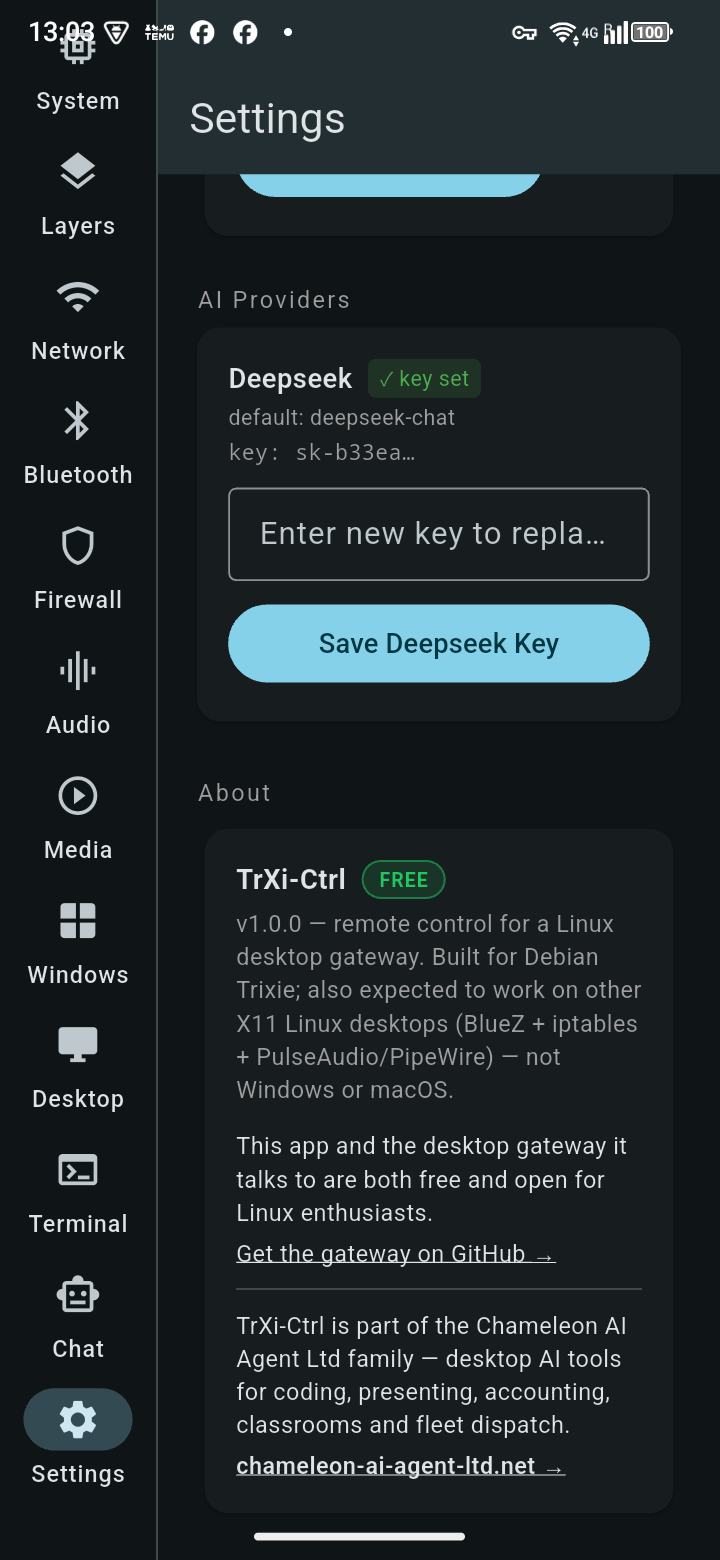
TrXi-Ctrl — captured live, running on real hardware
Download TrXi-Ctrl 1.2.0 FREE
The app, for your phone or computer, plus the gateway for the Linux desktop you want to control.
⬇ Android (APK) ⬇ Windows ⬇ macOS (.dmg) ⬇ Linux ⬇ iOS (unsigned, sideload) ⬇ Gateway for LinuxNeeds gateway v0.3.1 or later. Older phones (32-bit Android): armv7 APK · All files: release page · Gateway on GitHub →
⚠️ Use at your own risk. TrXi-Ctrl and trixie-gateway are free software that give a paired device powerful control of your computer, including running commands as the gateway's user (often root). You are responsible for every command you send, for keeping the gateway off the open internet and your pairing codes private, and for only controlling machines you are authorised to. CHAMELEON-AI-AGENT LTD and the author accept no liability for harm from destructive commands, sharing resources over the internet, or unsupported setups — see Terms §8A. What we have fixed and plan to fix, measured against ISO/IEC 27001: security review (alignment work, not certification).
Install the app
None of the builds are signed by Apple or Microsoft yet, so each system asks once whether you trust it
Android
Download the APK on the phone and open it. Android asks to allow installs from your browser or file manager the first time — allow it, then Install. Most phones from the last ten years want the arm64 APK; use armv7 only on old 32-bit phones. Later updates can come straight from the gateway: Updates tab.
iPhone & iPad
The iOS build is unsigned, so it's sideloaded: install Sideloadly or AltStore on a computer, connect the iPhone, drop in the .ipa and sign in with any Apple ID. Then on the iPhone: Settings → General → VPN & Device Management → trust your Apple ID. With a free Apple ID the app must be re-sideloaded every 7 days.
Windows 10 / 11
Unzip the download anywhere (for example C:\Programs\TrXi-Ctrl) and run trxi_ctrl.exe. SmartScreen says "Windows protected your PC" the first time: More info → Run anyway. Keep the files together — the .exe needs the DLLs and data folder next to it.
macOS
Open the .dmg and drag TrXi-Ctrl into Applications. The first time, right-click the app → Open → Open (a double-click is blocked because it isn't notarised). If macOS still refuses, System Settings → Privacy & Security → Open Anyway.
Linux
Needs GTK 3 and libmpv: on Debian/Ubuntu sudo apt install libgtk-3-0 libmpv2. Then tar -xzf TrXi-Ctrl-1.2.0-linux.tar.gz and run ./bundle/trxi_ctrl. Keep the bundle folder together.
Pair with your desktop
On the Linux desktop running the gateway, open http://localhost:8772/admin (or the Gateway Manager). Phones and Macs: app → Settings → QR-scanner icon → scan the QR, or tap the image icon to open a QR picture someone emailed you. Windows and Linux: enter the gateway address and the pairing code shown under the QR. A code works once and lasts 10 minutes. Both devices need to be on the same Tailscale network (home-network access is off unless you turn it on). New devices can't use the Terminal until you tick Terminal for them on the admin page.
Install the gateway
On the Debian Trixie (or compatible Linux) machine you want to control
Prefer Python? git clone https://github.com/cou645/trixie-gateway.git, then pip install -r requirements.txt and python3 gateway.py --port 8772. Full install docs, including running it as your own user (recommended) or as a system service, are in the repo's README.md.
🔏 Check your download. Every release has a SHA256SUMS.txt signed with our release key, trxi-release.pub. With the three files next to your download: openssl pkeyutl -verify -pubin -inkey trxi-release.pub -rawin -in SHA256SUMS.txt -sigfile SHA256SUMS.txt.sig must say "Signature Verified Successfully", then sha256sum -c --ignore-missing SHA256SUMS.txt must say OK.
🧪 Windows & macOS test builds are on the releases page (trixie-gateway-windows-x86_64.exe, trixie-gateway-macos-arm64.zip, trixie-gateway-macos-x86_64.zip). They are unsigned, so Windows SmartScreen will say "unknown publisher" (More info → Run anyway) and macOS will block the first launch (right-click → Open). Please report what breaks.
Like TrXi-Ctrl? See what else we build
TrXi-Ctrl is the free piece of a bigger family of desktop AI tools — a code editor, a presentation studio, UK accounting, fleet dispatch and more.
See all Chameleon AI apps → Chameleon Companion (phone + desktop AI) →