See it run
In this recording an AI takes the director's seat — animating objects and switching layouts live, with no one at the keyboard. Every control it uses, you can drive yourself from the app or your phone.
What you can do with it
A stage you compose, not a stack of flat slides
Put anything on a slide
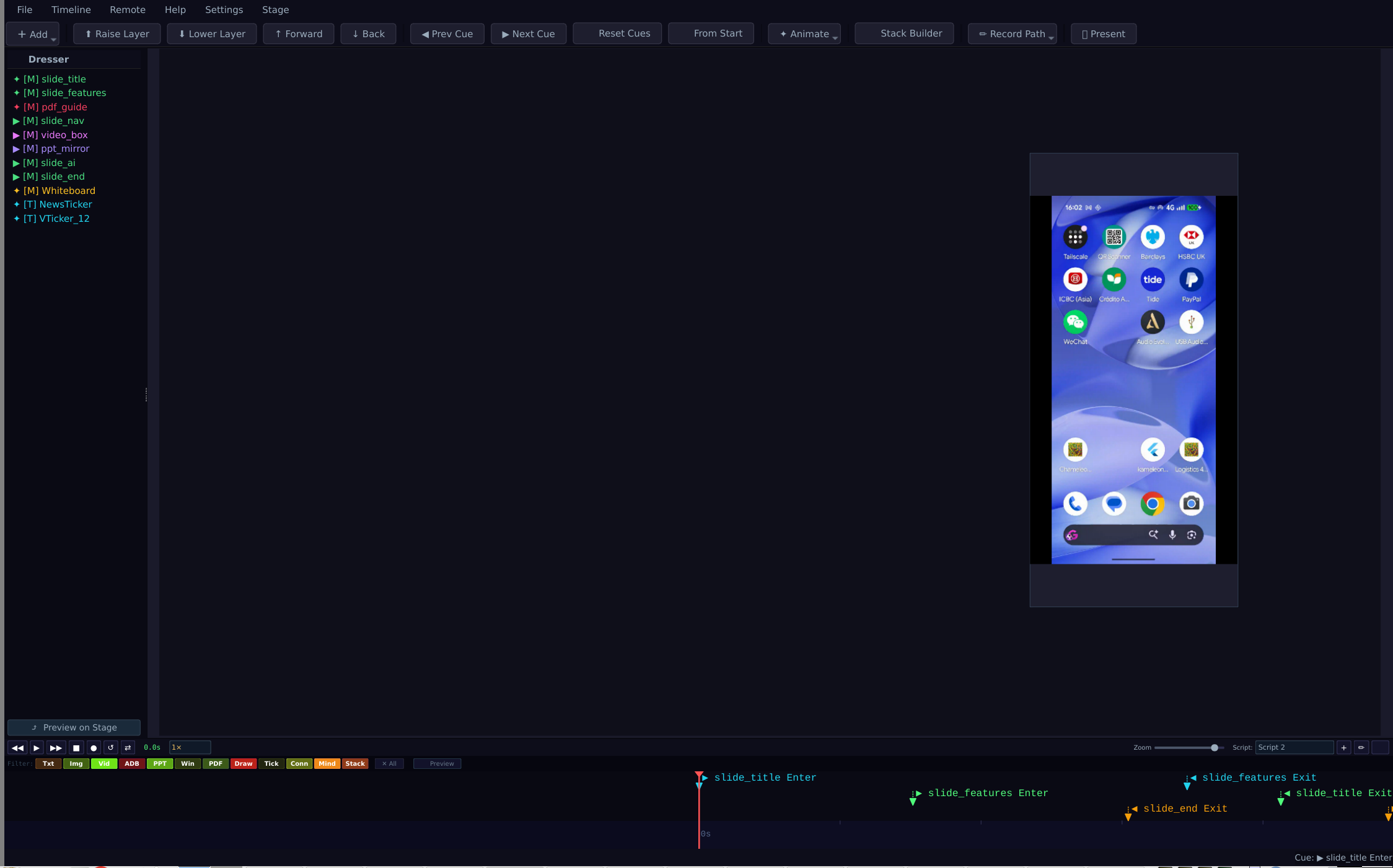
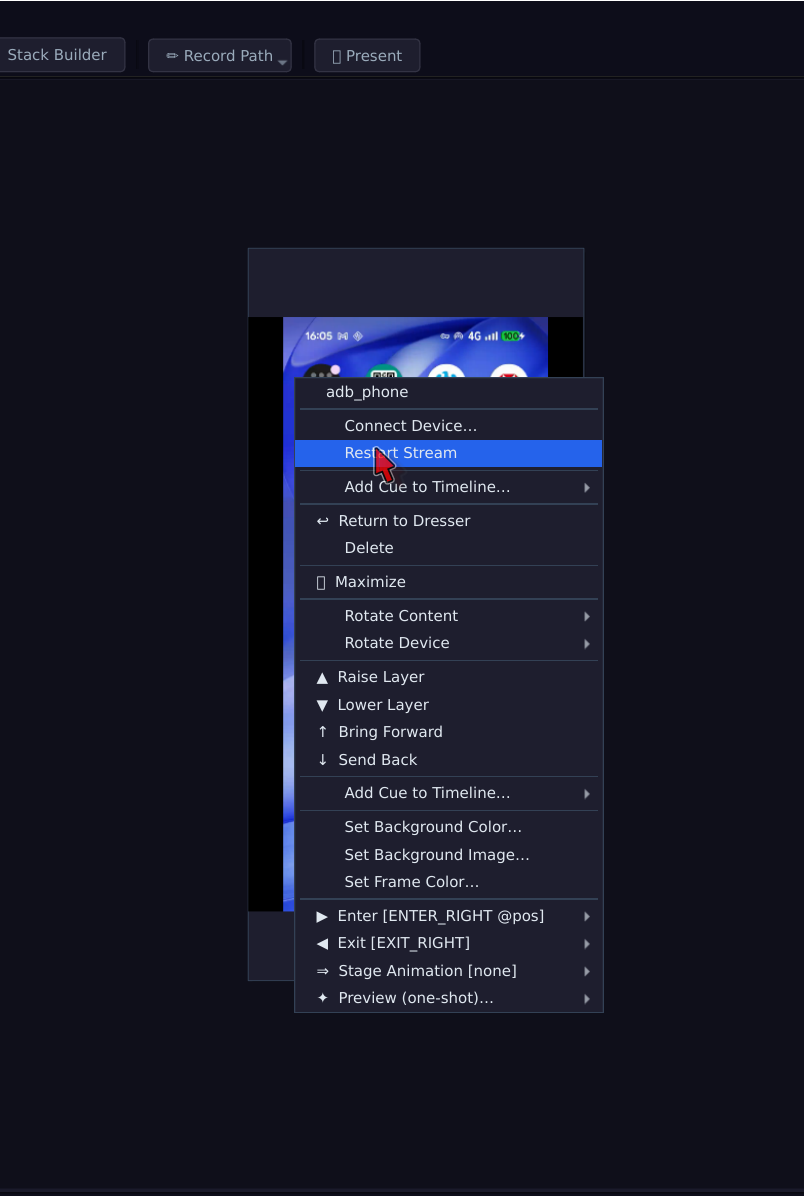
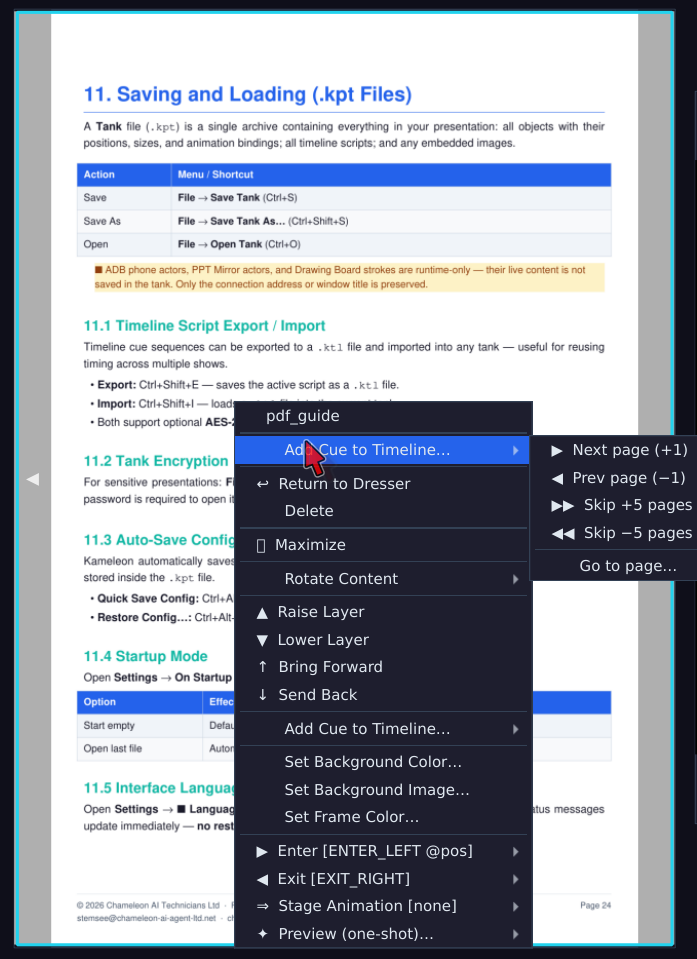
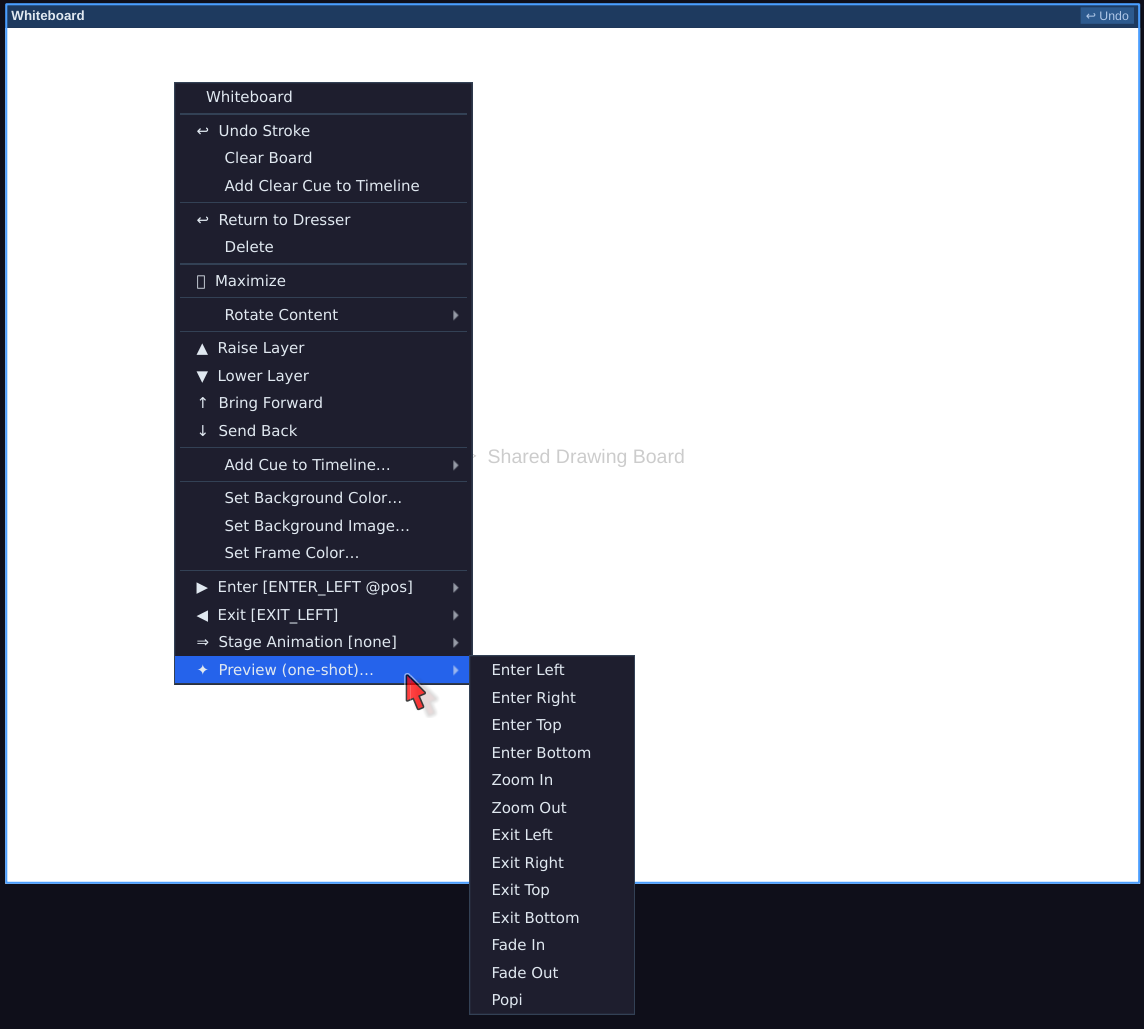
Images, text, PDFs, video, live web pages, a mirrored Android phone screen, a webcam feed, a shared drawing board. Each one is an object you place, resize and move on its own — arrange the screen the way you want it.
Animate along a timeline
Give any object an entrance, an exit, or a hand-drawn motion path. Numbered cues step the show forward one beat at a time. One click drops in a ready-made timing plan for a 5-minute pitch, a 50-minute lecture or a 90-minute workshop.
Open the files you already have
ClassIn .edb blackboards and Xournal++ .xopp notes — from the desktop or the mobile Xournal++ app — import directly: every page and stroke becomes an object you can edit and animate. PowerPoint, Keynote, Word and Markdown come in through universal document import.
One file, many versions
A project saves as a single .kpt file holding all your media plus up to ten named timelines — the full talk, a highlights cut and a Q&A running order can all live in one file you email to a colleague.
Run the show from your phone
The Kameleon Remote Android app finds your computer on its own over Wi-Fi or USB — nothing to type in. You get a live thumbnail of exactly what the audience sees, previous / next, play / pause / stop, a laser-pointer spotlight, and the ability to draw straight onto the live slide.
Let the room take part
Switch a slot into audience mode and people send an image or a written answer from their own phones. Each one waits in a tray — you approve, hold or reject it before it goes on screen.
Hand it to an AI — if you want
Mark stretches of the timeline as AI segments: during a break the AI gently choreographs whatever is on screen. Or let it direct the whole talk, as in the video above. Entirely optional — the app works fully without it.
Looks right on any screen
The stage scales to the display it lands on, so a talk built on a laptop looks identical on a 4K projector. No reflowing, no surprises in the room.
Built for AI agents
Around ninety MCP tools let an AI agent such as Claude Code build and run a show: add text, images, web pages and whiteboards, draw on the board, set entrance and exit animations, and edit cues, timelines and scripts, then play them.
Locked when you step away
Lock the window with a pattern (Ctrl+Shift+L). Phone remote control is protected by a passcode by default — it's shown in the status bar when the show starts.
Works with Chameleon Classroom
The two apps share a file format and a player
Same import engine
The .edb and .xopp import works identically in Chameleon Classroom, so lesson material moves between the two apps unchanged.
Built-in player
Classroom runs Kameleon Presenter in its lower panel in play-only mode — present a .kpt deck inside a live lesson without leaving the classroom.
An AI in the lesson chat
Classroom adds an AI chat participant you address like any other student. A Send to AI button on both the desktop and Android apps brings it into the conversation whenever you want it.
Screenshots
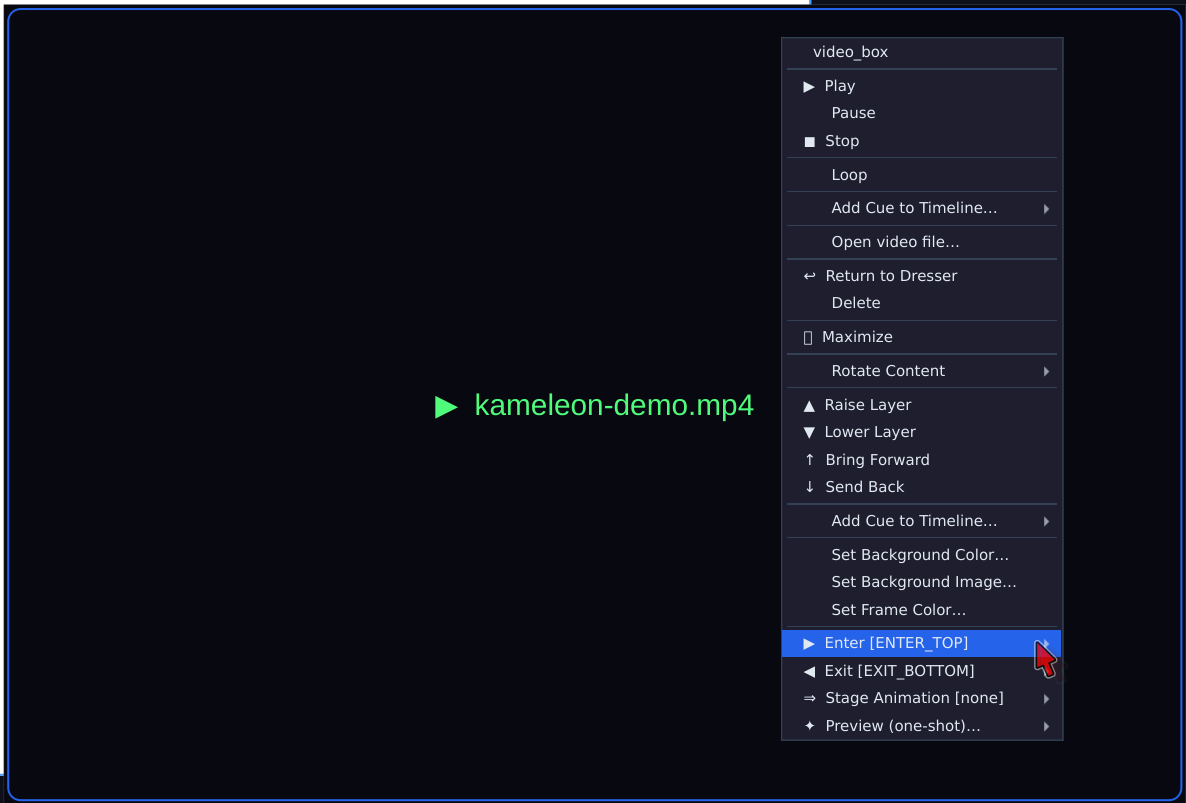
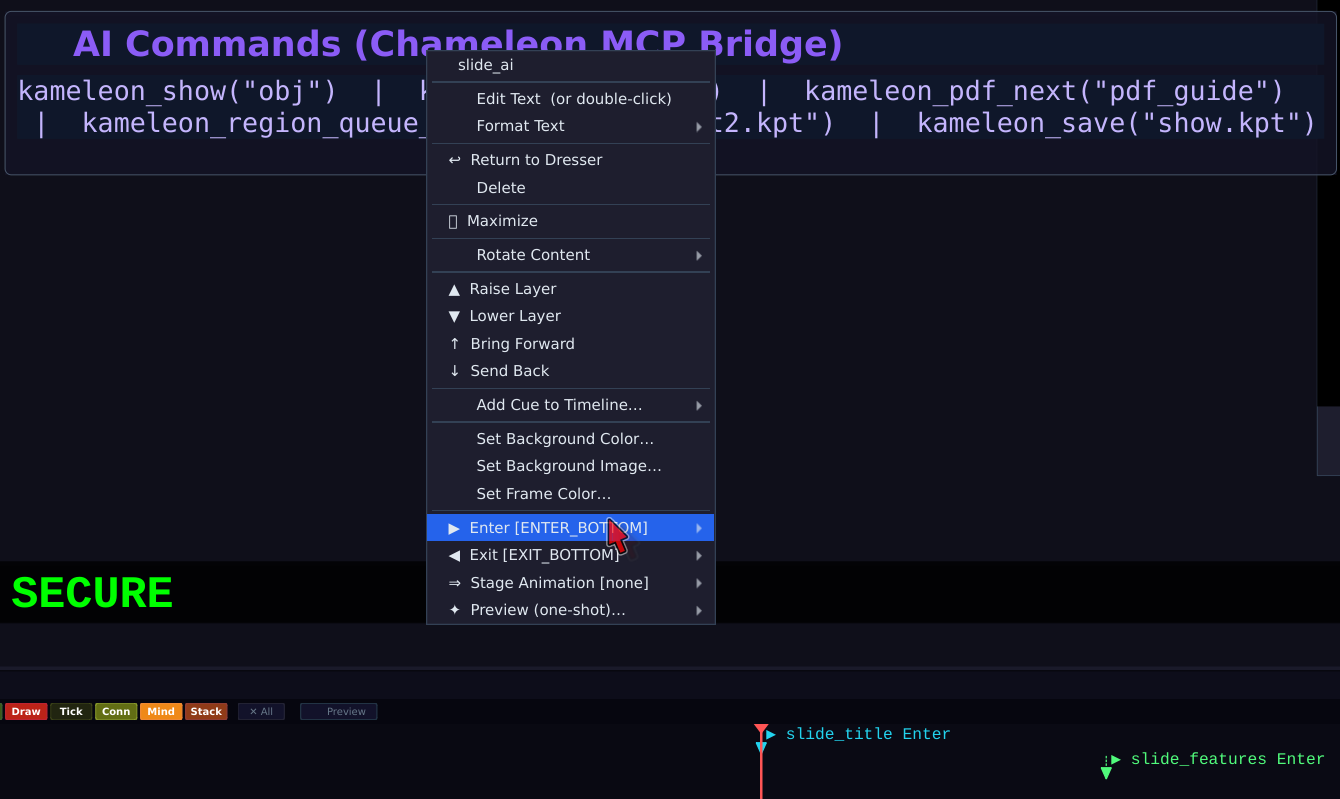
Kameleon Presenter — captured live

Kameleon Presenter
Sold as a one-time desktop licence for Linux, Windows and macOS. The final price is being set now — contact us for the current price and availability.
Contact us 📄 Download the User Guide (PDF) ← Back to overview