What makes it different
Most AI editors suggest. This one operates the editor.
The AI makes the edits
It reads a file once, then makes as many precise changes as needed without re-reading. Edits target exact text, not line numbers, so they don't drift as the file changes. New files are written whole — with an automatic backup of anything it replaces.
It runs commands and reads the results
The AI runs shell commands in the built-in terminal, waits for each result, checks the exit code, and decides what to do next. Real work in a live shell — not copy-paste snippets.
Safe by default
Everything the AI reads from a file, a terminal or a web page is fenced off as data, never as instructions — a malicious file can't hijack the session. Every change it makes is logged with a timestamp and session ID, so you have a full history of what happened.
Review before you accept
One click shows a colour-coded diff of the AI's changes against your last save. Accept them, keep editing, or back out.
Hands-free
Dictate a question or a whole prompt with on-device speech-to-text, and have answers read back in a natural voice — nothing goes to a cloud transcription service. Or switch on live voice mode (GPT Realtime) and hold a two-way spoken conversation with the AI.
Bring your own AI
DeepSeek, OpenAI, Claude, Groq, Mistral, Kimi — switch provider in the middle of a project. Run a model locally through Ollama or LM Studio for no cost at all. Claude Code runs as a live process right inside the terminal.
Stackable working modes
Turn on the modes you need — code repair, academic writing, plain chat — and combine them. A running cost estimate shows before you send anything.
A real editor underneath
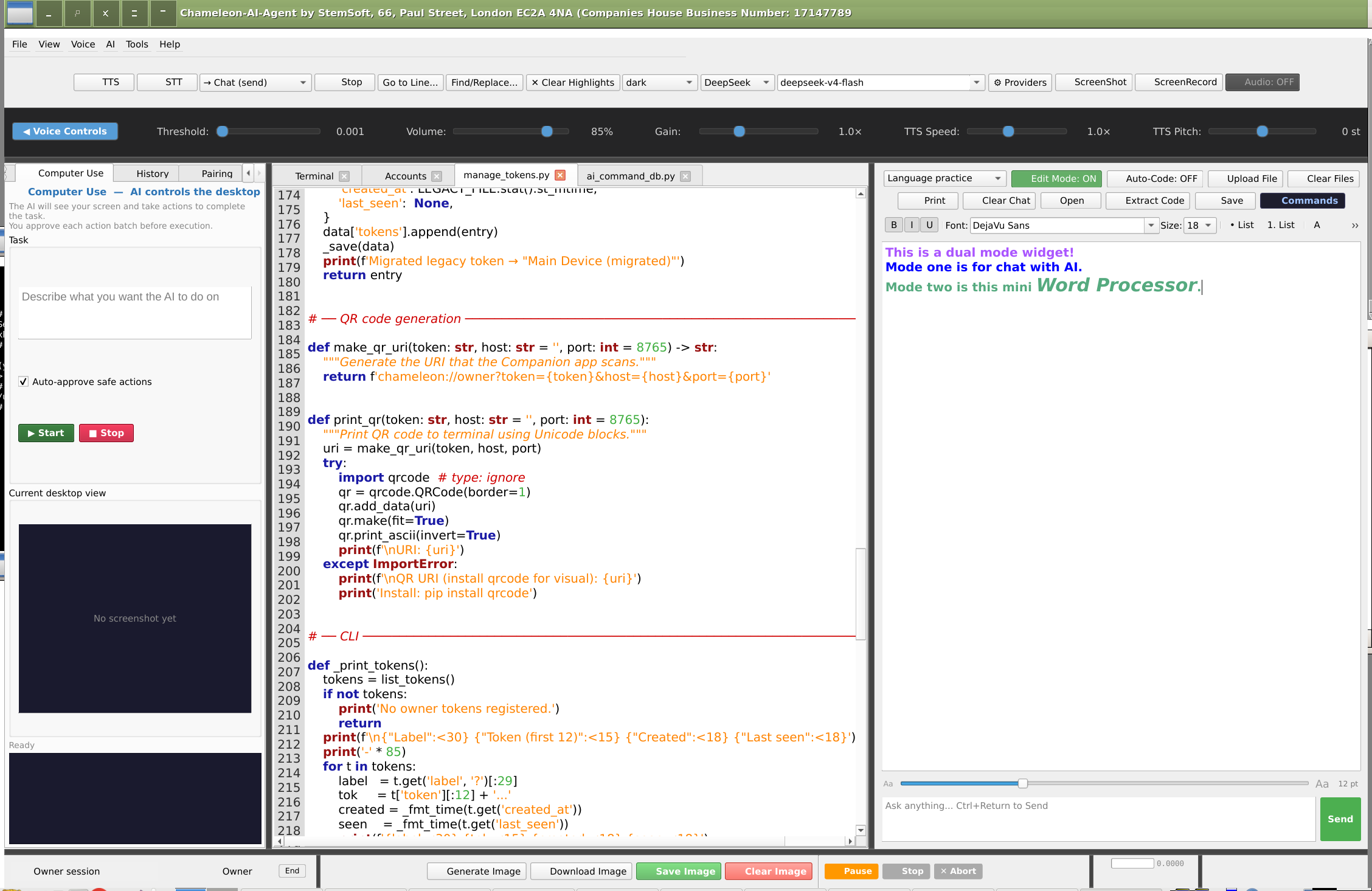
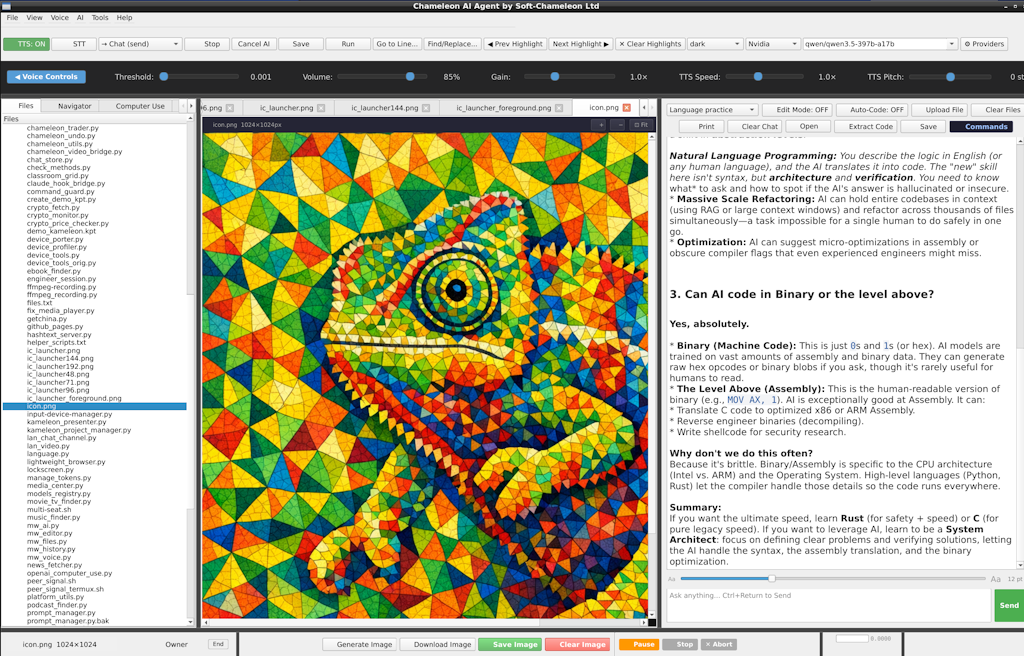
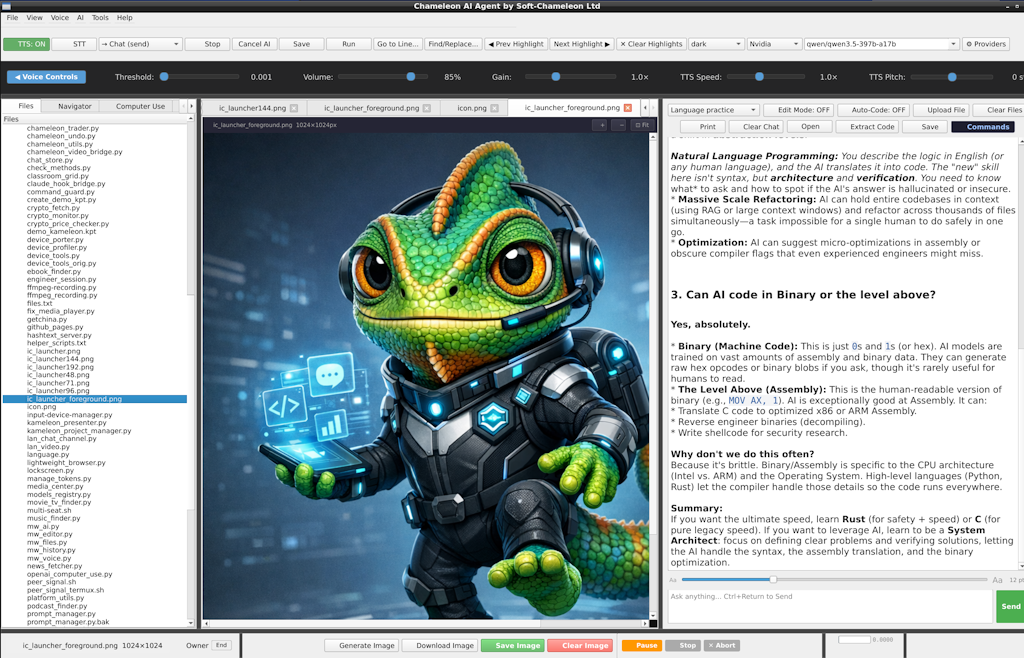
Multi-tab editing with per-tab undo and syntax highlighting, a project file tree and code navigator, and streaming chat that keeps the window responsive while commands run in the background. On-demand AI code review marks issues right in the editor with underlines and hover tips.
Images in the chat, both ways
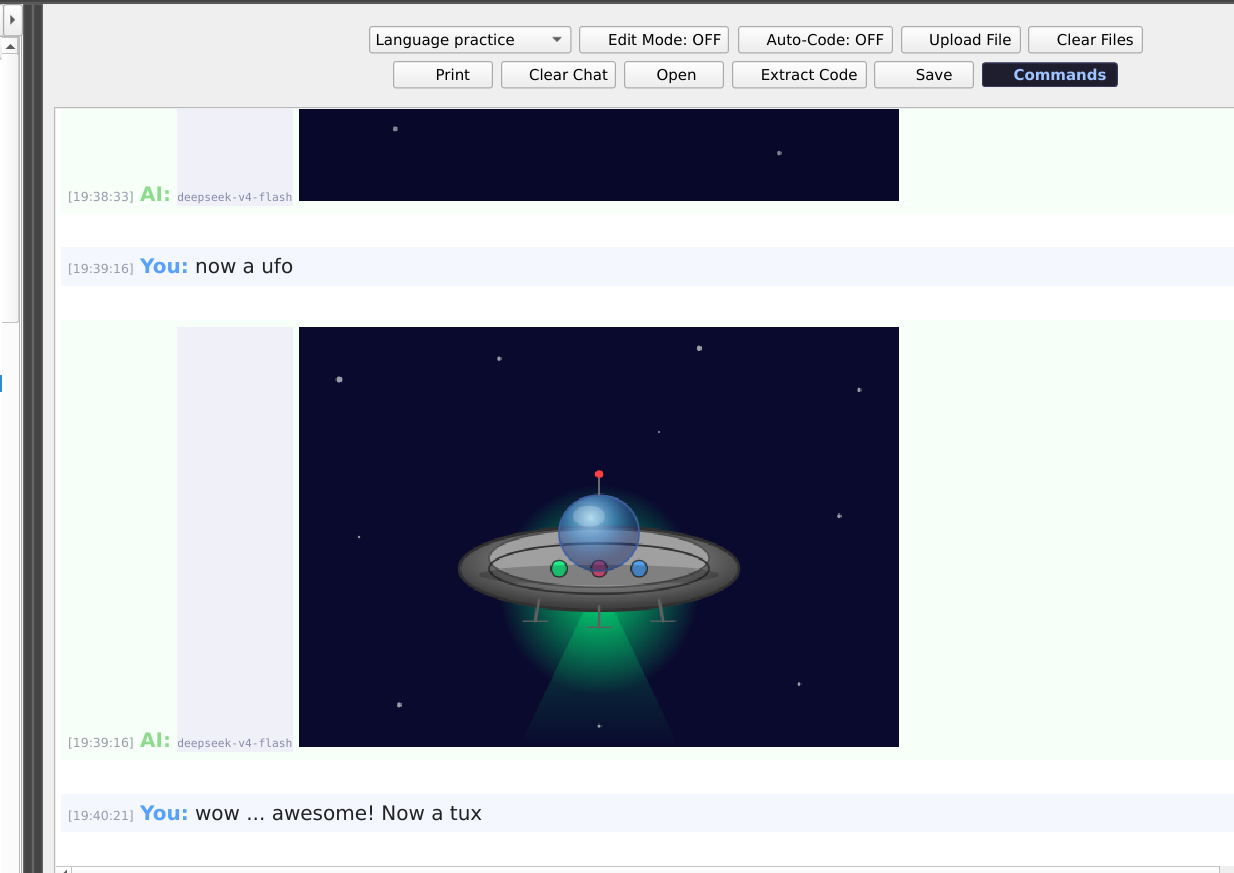
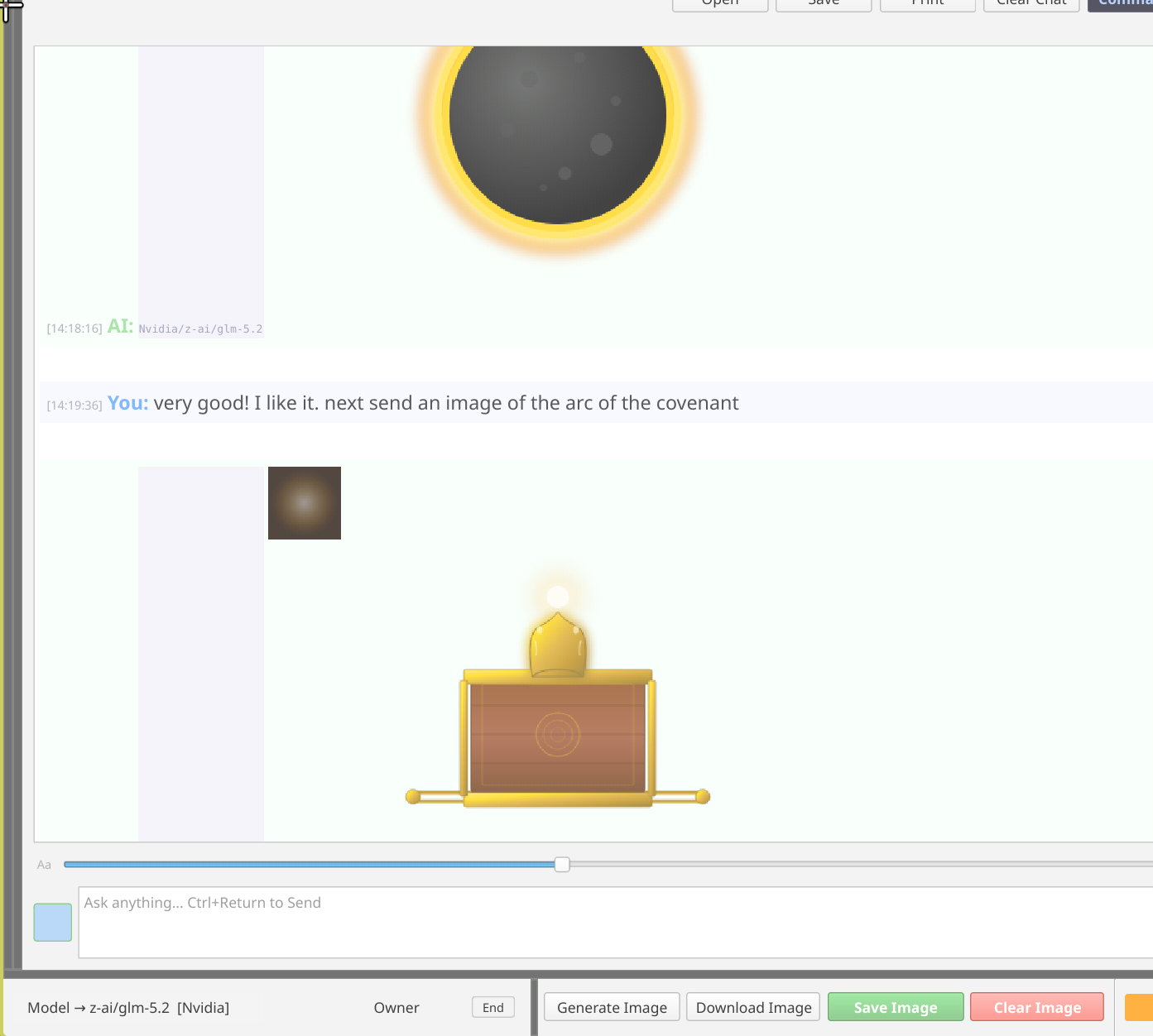
Send the AI a PNG, JPEG, GIF or WebP — a screenshot, a diagram, a photo of a whiteboard — and it sees it. Ask for a picture and the AI draws it as SVG, which the chat renders as an image, not as a wall of code. It works with any chat model, with no image-generation service and no extra cost. Ask for changes and it redraws.
Media Studio
A dedicated tab for AI image and video generation: a prompt form for each, a history of your jobs (video can take minutes, so it keeps working in the background), and a preview pane to save or copy the result.
Computer Use
Let the AI operate the desktop itself — it sees the screen and uses the mouse and keyboard to carry out a task in any application, not just inside the editor.
MCP server for AI agents
A bundled Model Context Protocol server lets an AI agent such as Claude Code drive the IDE and Kameleon Presenter directly.
Choose your AI provider
Your account, your choice — cloud or entirely on your own machine
| Provider | Where it runs | Rough cost |
|---|---|---|
| DeepSeek (default) | Cloud, your account | Lowest — strong at code |
| OpenAI | Cloud, your account | Higher — best general reasoning |
| Anthropic (Claude) | Cloud, your account | Mid — strong on long files |
| Claude Code | Runs inside the terminal | Your Anthropic usage |
| Groq | Cloud, your account | Very low — fastest responses |
| Mistral | Cloud, your account | Low — European-hosted |
| Kimi | Cloud, your account | Low — very large context |
| Ollama / LM Studio | On your machine | Free |
Run your business from it too
Company Command Station — the IDE as the hub for a Logistics 4×4 fleet
Send routes and stops to drivers
Push a route file straight from the IDE to a driver's phone — it loads on their live map instantly. Point sets (fuel stops, hazards, delivery addresses) can be sent on their own and show up as colour-coded pins. No separate dispatch software.
Receipts land in your books
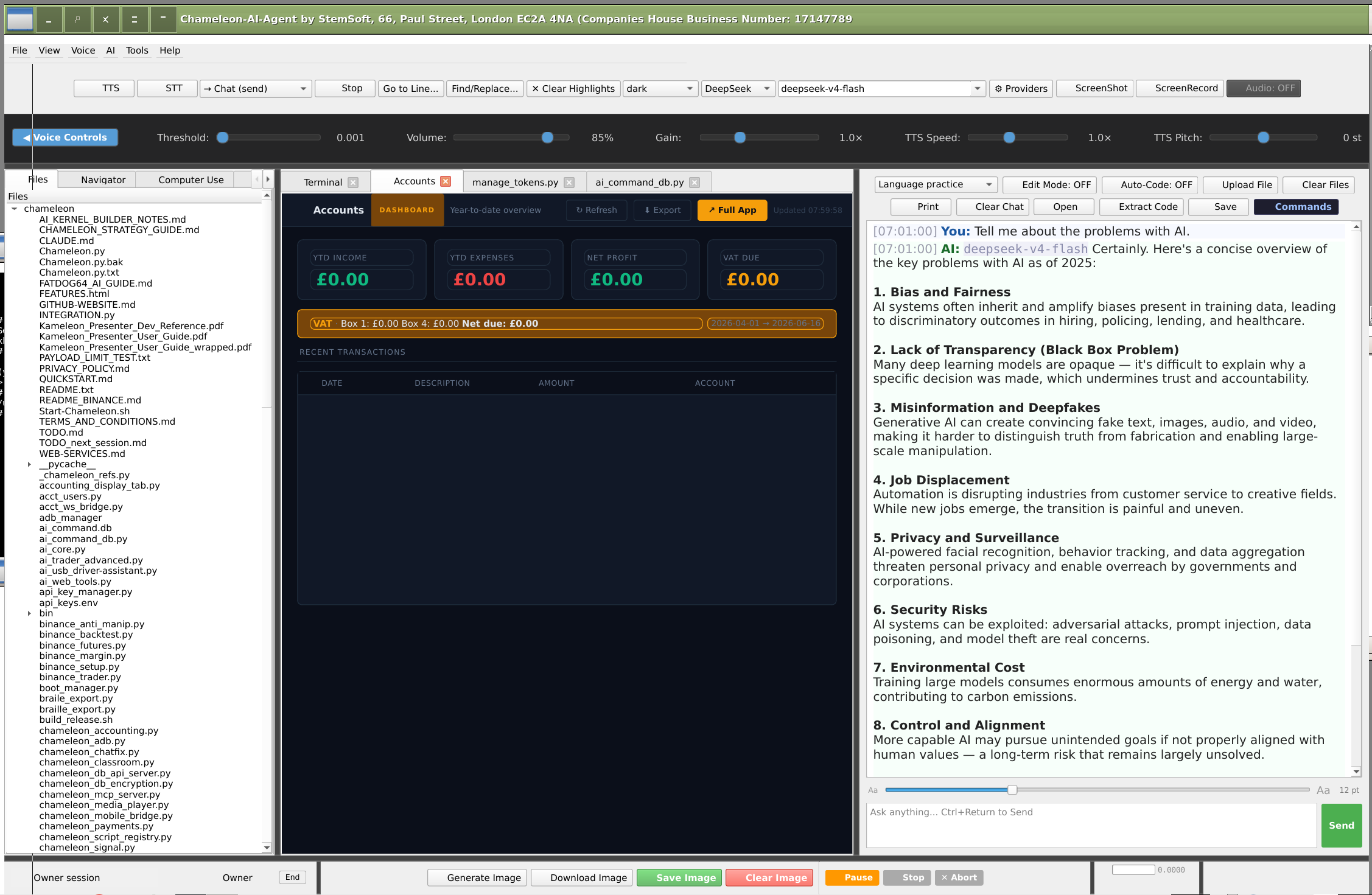
The Chameleon Companion phone app photographs a receipt and pushes it to the desktop, where it becomes a draft entry in the Accounting ledger — see Accounting and the Companion app.
Screenshots
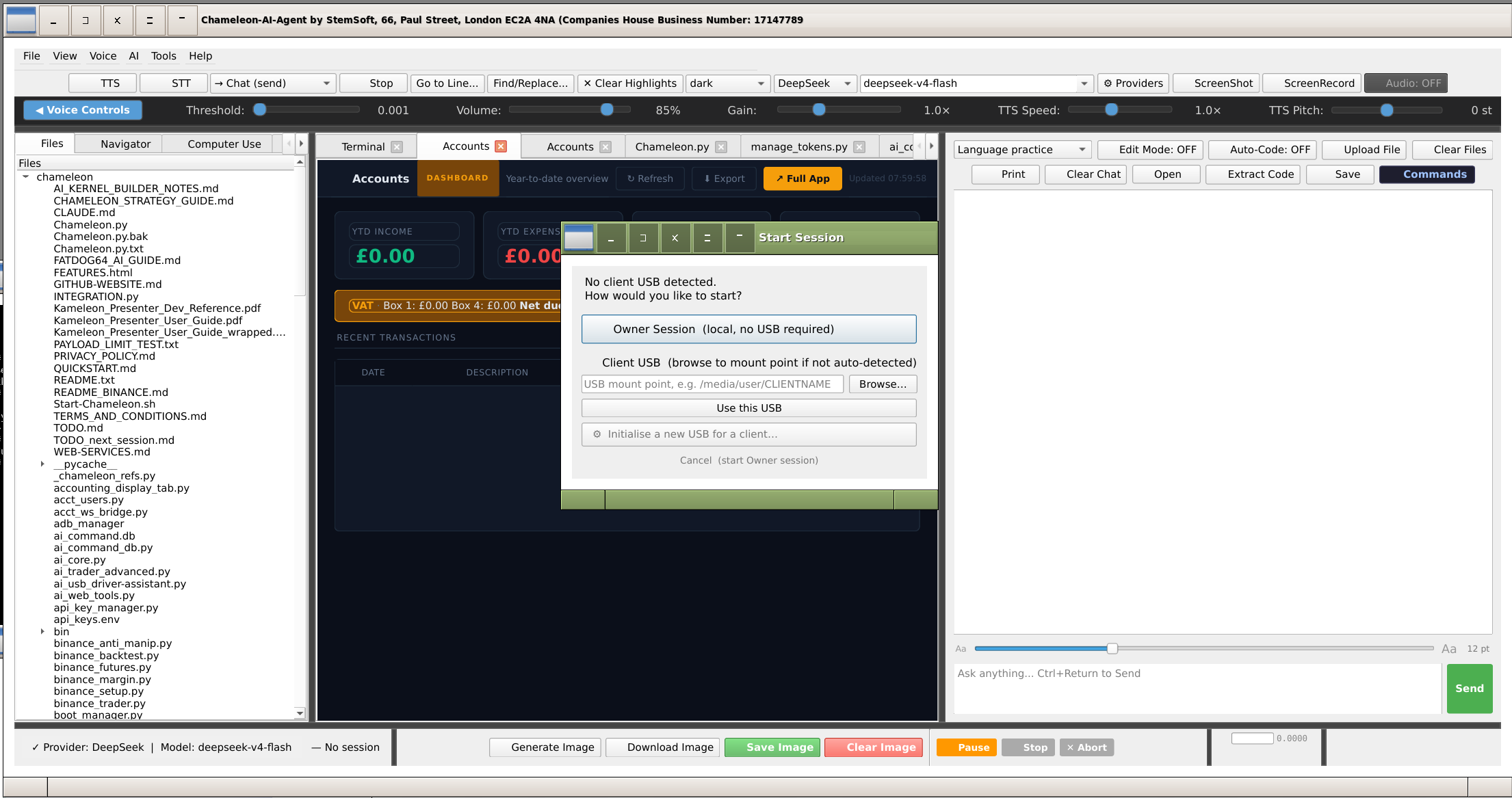
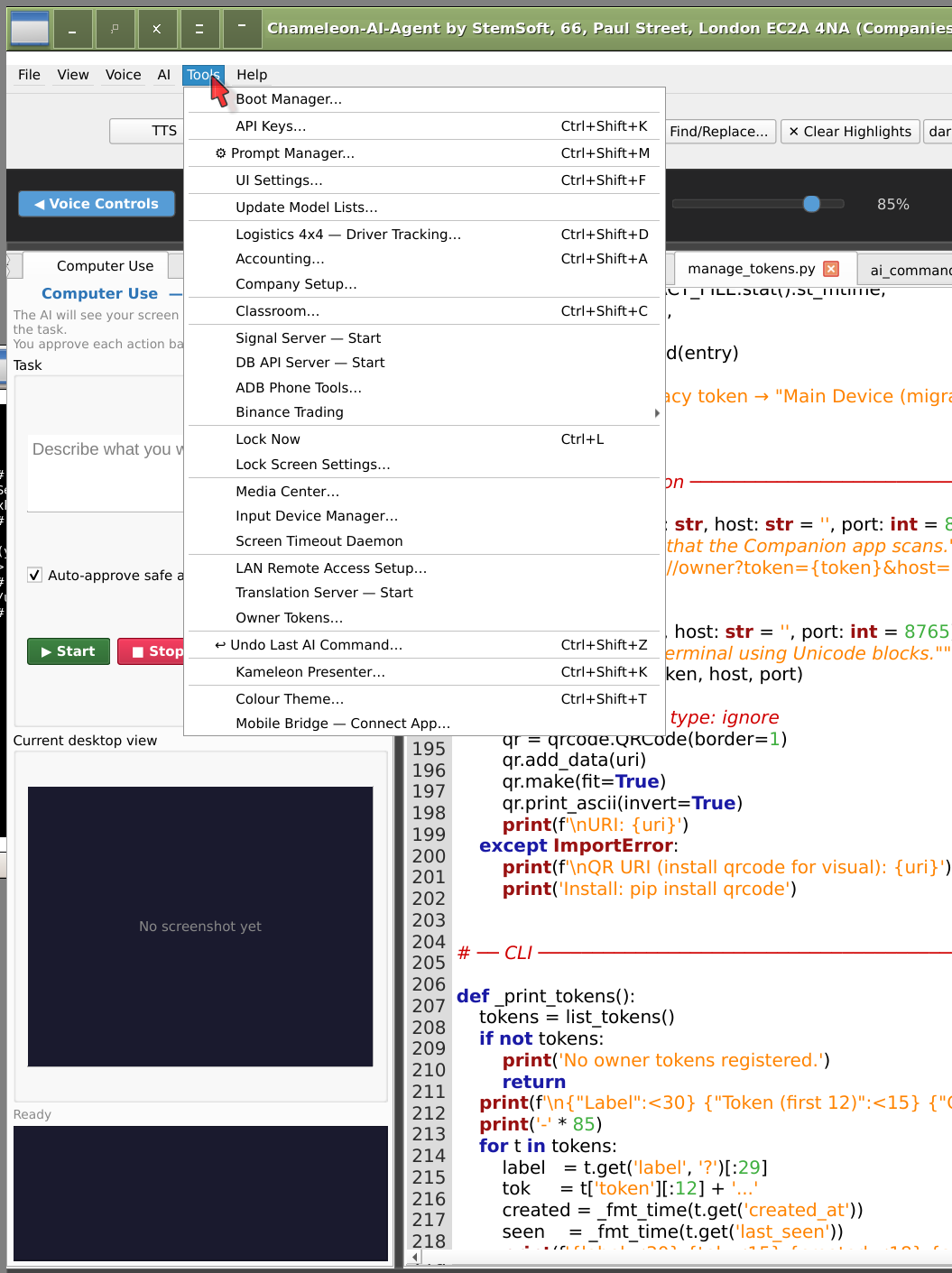
Chameleon AI IDE — captured live

Chameleon AI IDE
Sold as a one-time desktop licence for Linux, Windows and macOS. The final price is being set now — contact us for the current price and availability.
Contact us ← Back to overview