The lesson, all in one window
Whiteboard, slide player, video wall and chat — no app-switching mid-class
Whiteboard over any document
Draw and annotate on top of a live PDF, an image, a ClassIn .edb board or a Xournal++ .xopp file. A narration overlay keeps your voice and your pen together, so students follow both. Snip any part of your screen straight onto the board, and insert symbols and emoji from a built-in picker.
A slide player in the room
The lower panel is a built-in Kameleon Presenter, play-only — run your .kpt decks inside the lesson without leaving it.
Video wall with staging
Every student is a tile. Bring any one to the stage to focus the class on them — for a reading, a correction, a role-play.
An AI in the lesson
An AI participant sits in the chat. A Send to AI button — on the teacher app and on every student's phone — pulls it in for a definition, an example sentence, a quick check.
Pronunciation drilling
A built-in pronunciation widget for practising sounds and words.
Live transcription
Everything the teacher says is transcribed as they speak (Whisper) and scrolls along a ticker on every student's phone, so they can read along with what they hear. The full transcript goes into the session report.
Share your screen
The presenter canvas streams to every student over the same private video connection as the cameras — slides, board and all.
Live polls
Ask the class a question and watch the votes tally live. When you close the poll, the AI reads the results and suggests a follow-up.
Breakout groups
Split the class into groups, each with its own whiteboard. A monitor panel shows every group's board live — snapshot it or join any group — and an AI keeps an eye on the groups, nudging any that have gone quiet.
Reports and a gradebook
After each class, export a session report — transcript, attendance, poll results and the AI's marking of each student. Marks build up in a gradebook that follows each student across every class, not just one session.
Private connections, no video bill
Video runs directly between participants over your own private network — no third-party video service and no per-minute charge. It falls back to local-network video when everyone is in one building.
Enrolment and payment
An enrolment record tracks who's in which class. Take payment with Stripe, Alipay or PayPal.
Students join from their phone
Students connect through the Chameleon Classroom companion app on Android — video, chat, and the same Send to AI button.
Take payment
The methods your students already use
Screenshots
Chameleon Classroom — captured live
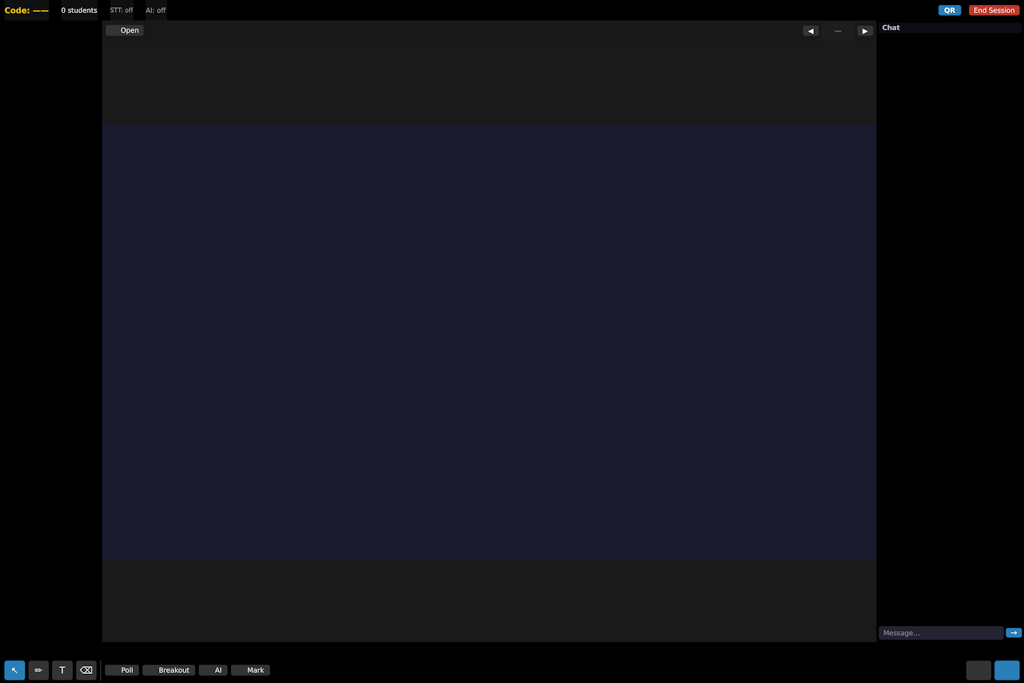
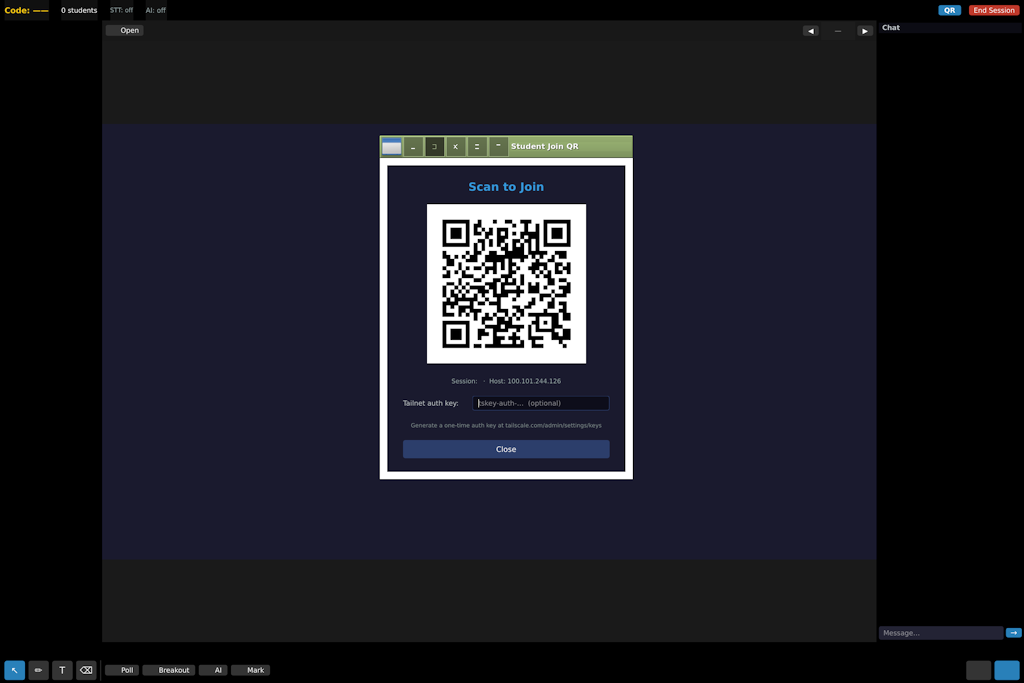
Chameleon Classroom
Sold as a licence per teacher. The final price is being set now — contact us for the current price and availability.
Contact us ← Back to overview