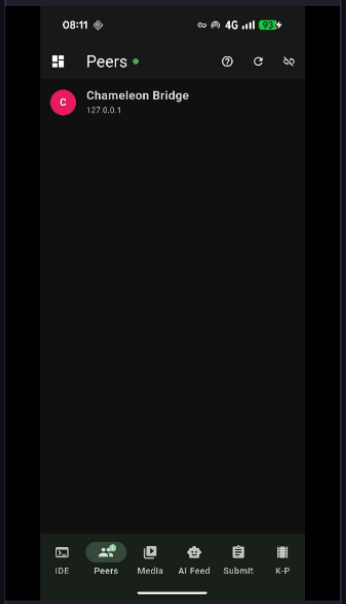
Your Android phone becomes a multi-channel bridge to the desktop — AI chat relay, group P2P video for 4+ participants, SIM call bridging, remote control, file access, media streaming and accounting — all over your private Tailscale mesh.
One WebSocket bridge, five independent communication lanes
Each channel is independent — use one or all simultaneously
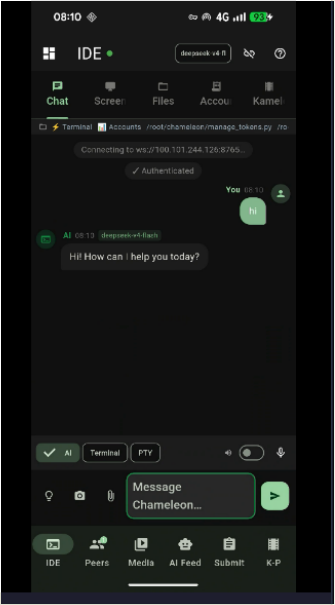
Full two-way bridge to the desktop AI. Send prompts from your phone, receive streamed responses. The AI can read files, run terminal commands and apply code edits — all triggered from your pocket. Attach screenshots or photos directly from your camera roll as context.
Full-mesh WebRTC video and audio for groups of 4 or more — no central media server, no monthly bill. Tap Group video to call all online peers at once. The grid adapts automatically as participants join: 1 = full screen, 2 = side-by-side, 3 = 2+1, 4 = 2×2, 5+ = scrollable auto-fit grid. Your local feed floats as a picture-in-picture. Bitrate scales down per peer to keep quality balanced at any group size.
Already on a cellular call and want to bring in a P2P peer? Tap Add to call group — the app registers the WebRTC call with Android's telecom stack alongside the SIM call. Android presents a native "Merge calls" option; accepting it hands audio mixing to the telephony hardware. The merged call plays in the earpiece only — fully private, no speakerphone, no one in the room hears. When hardware conference isn't supported by the carrier, a Bluetooth headset bridge routes all audio through the BT SCO link instead.
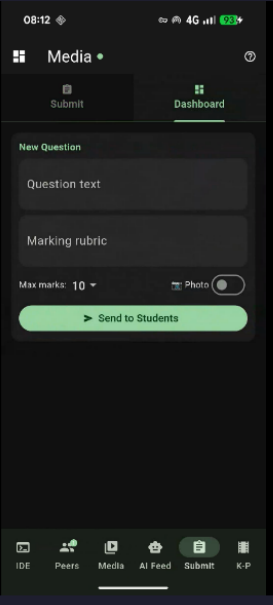
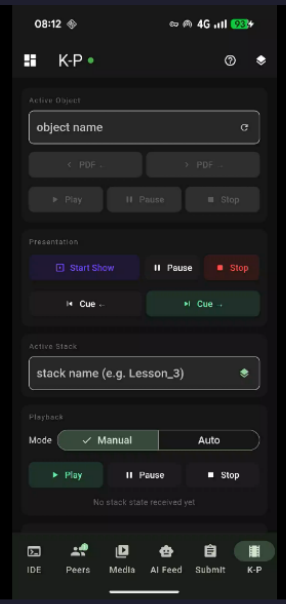
Control the entire Kameleon stage from your phone. Advance slides, trigger cues, push images or text directly into a stage stack, approve or reject peer submissions and control the collaborative drawing board — all without touching the desktop keyboard.
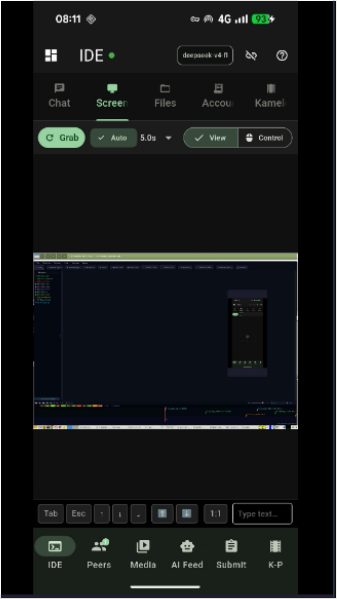
View and interact with your desktop screen from the phone. Implemented as a lightweight screen-capture stream over the Tailscale mesh — no third-party VNC server required. Tap to click, swipe to scroll. Useful for monitoring running processes or approving AI actions remotely.
Browse your desktop filesystem from the phone. Open, read and edit text files. Upload files from the phone camera or storage directly into a project folder. Ask the IDE AI to process the uploaded file immediately after transfer — e.g. "add this image to the presenter stage".
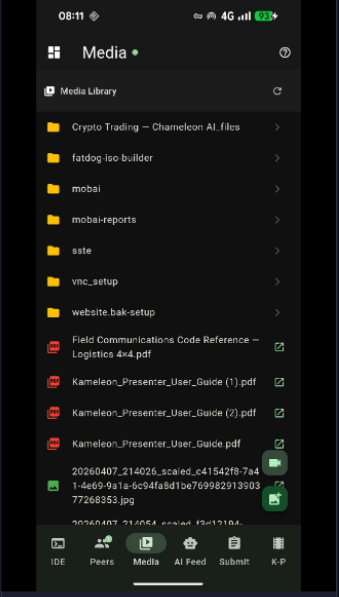
Stream music and video from a NAS or DLNA server on your home network to the phone over Tailscale. Browse the media library, queue tracks and control playback — the desktop acts as a bridge between your local media server and the phone wherever you are on the tailnet.
Photograph a receipt on your phone and send it straight to the accounting module. The IDE AI reads the image, extracts the amount, date, supplier and VAT, and logs a draft journal entry in the double-entry ledger — ready for you to review and post on the desktop.
Speak to the IDE AI from your phone using on-device speech-to-text. The AI response is streamed back and read aloud via text-to-speech. Hands-free coding assistance while your desktop runs unattended — dictate a fix, hear the result, confirm from the phone.
All channels run over your private Tailscale network. No ports are opened to the public internet. The phone must be authorised on your tailnet — everything else is end-to-end encrypted with WireGuard.
The desktop runs chameleon_mobile_bridge.py as a daemon thread inside the Qt process. The phone app connects to port 8770 on the Tailscale IP. One persistent connection carries all channels as typed JSON messages.
The signal server (chameleon_signal.py) can run directly on the Android phone via Termux — making the phone both a client and a signalling node. No cloud relay needed for WebRTC peer connections within your tailnet.
When Tailscale is unavailable, lan_video.py streams video over UDP (port 47732) and audio over UDP (port 47733) directly on the local network — same channels, no VPN overhead.
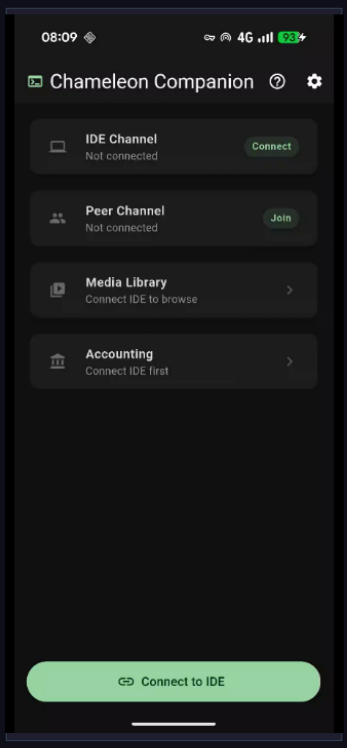
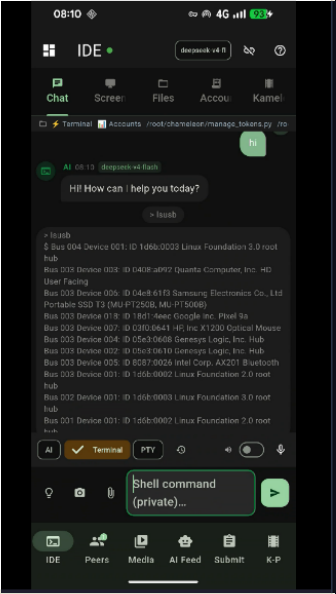
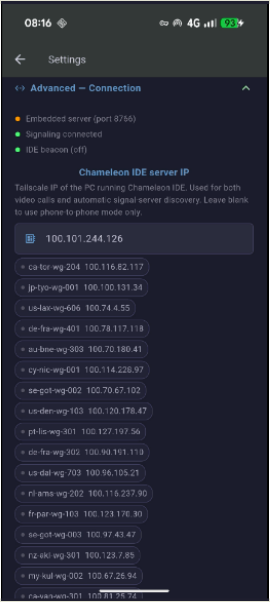
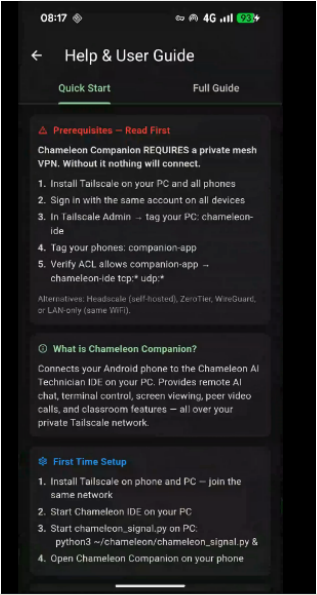
Chameleon Companion — captured live on device


Currently in testing — contact us to register interest or request a demo.
Get in touch ← Back to overview